
Constructing Rectangles, Squares, Rhombi, and Kites
Loading the math board and drawing, please wait…
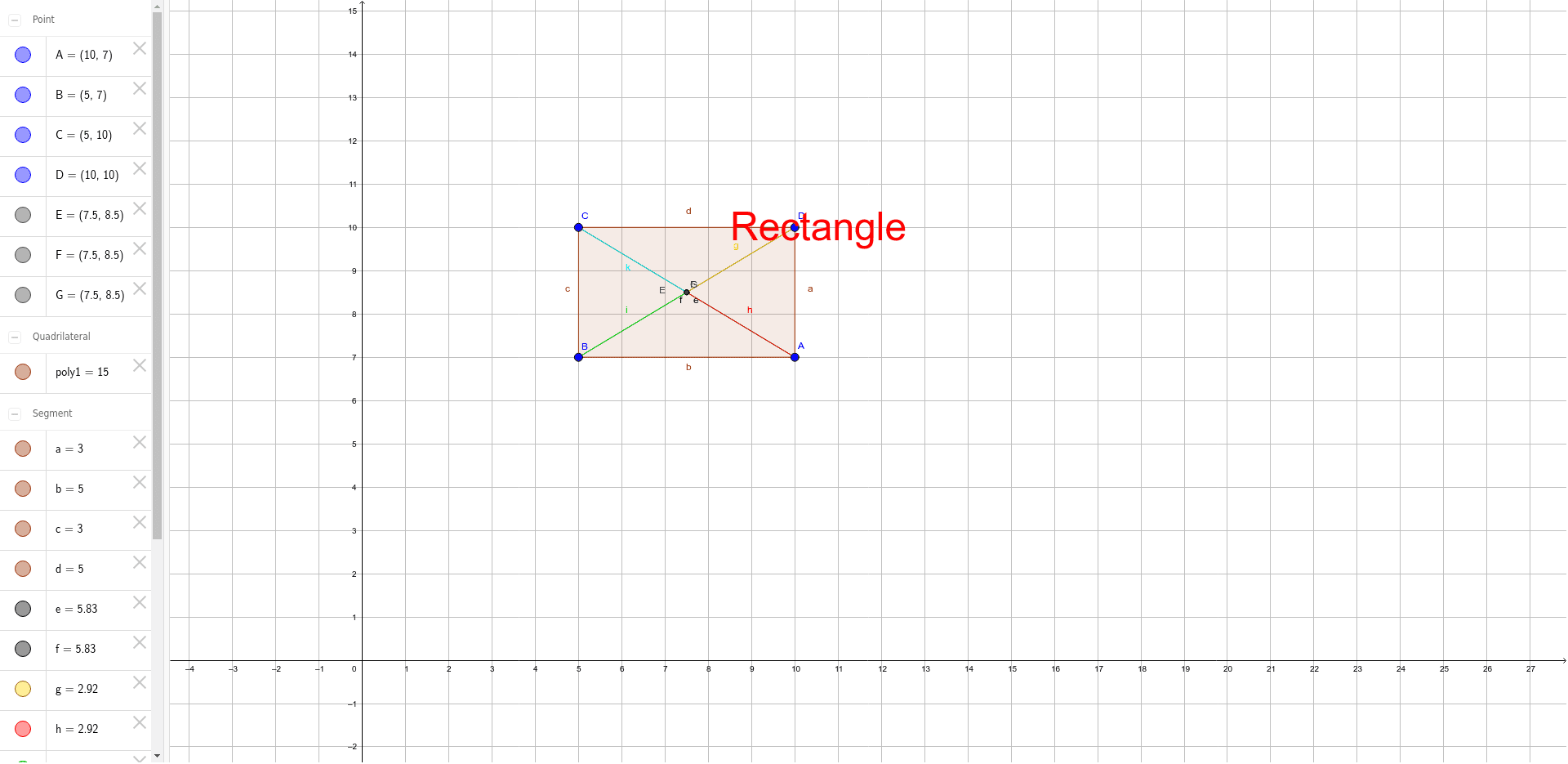
This example demonstrates how to construct rectangles, squares, rhombi, and kites using GeoGebra. Key math concepts include polygon construction, symmetry, and geometric transformations (translation). It utilizes commands like Segment, Intersect, Polygon, and Midpoint, along with objects A, B, C, D, E, etc. Suitable for middle school students and beyond for learning geometric constructions and transformations, as well as for educational purposes.
GeoGebra Commands & Parameters
Segment(B, D) → eSegment(C, A) → fIntersect(e, f) → EPolygon(A, D, C, B) → poly1, a, d, c, bSegment(D, E) → gSegment(A, E) → hSegment(E, B) → iSegment(C, E) → jMidpoint(e) → FMidpoint(f) → GSegment(C, E) → k
AI Drawing Prompt Reference
Draw a rectangle ABCD, then construct the intersection point E of the diagonals. Next, draw a rhombus ACBE with E as one of its vertices. Finally, connect point C to E to form a kite. Pay attention to the intersection point of the diagonals and the symmetry of the rhombus.
The prompt above was compiled from the original drawing commands and is for reference only.