
Constructing Polygons with GeoGebra (Part 2)
Loading the math board and drawing, please wait…
This GeoGebra practice guide demonstrates the construction of polygons, focusing on rhombuses and their symmetry properties using dynamic geometry tools. Core mathematical concepts include polygon construction, trigonometric applications, real coordinate geometry, and symmetry transformations. The construction employs GeoGebra commands Segment and Circle, along with points A, B, f, and c to define geometric relationships. Suitable for middle and high school mathematics education, it helps learners explore polygonal geometry, dynamic manipulation, and the interplay between algebraic and geometric representations.
GeoGebra Commands & Parameters
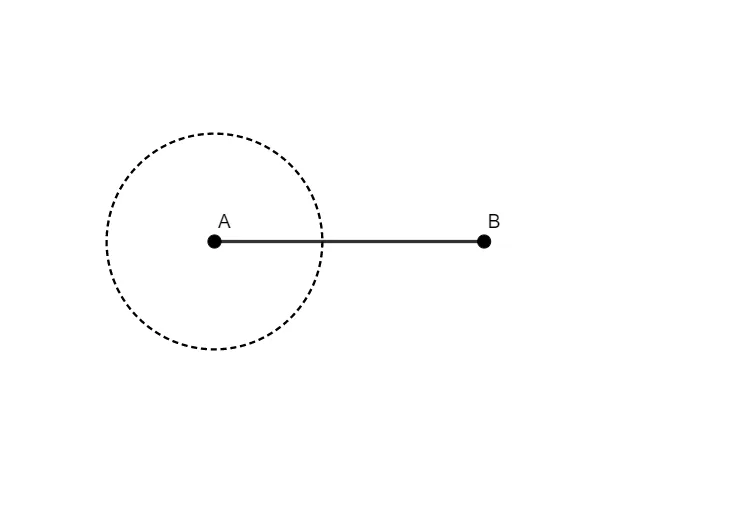
Segment(A, B) → fCircle(A, 4) → c
AI Drawing Prompt Reference
Draw a rhombus. The rhombus has four equal sides and symmetry. First, draw a line segment. Then, draw a circle with one endpoint of the segment as the center. Finally, connect points on the circle to the segment endpoints to form the rhombus. The rhombus can be rotated and scaled to show its symmetry.
The prompt above was compiled from the original drawing commands and is for reference only.