
Constructing a Perpendicular Line from a Point on a Given Line
Loading the math board and drawing, please wait…
In collections
Introduction to Euclidean Constructions
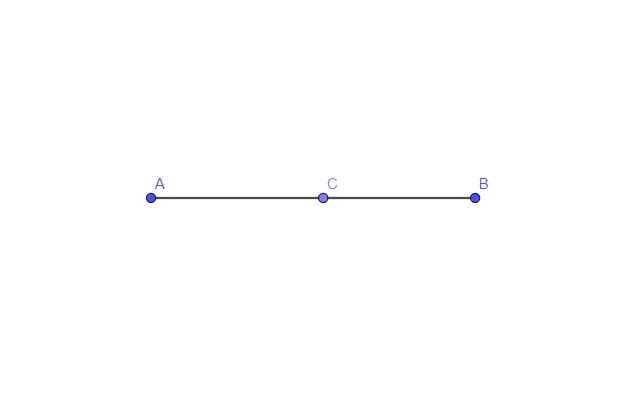
The example demonstrates how to construct a line perpendicular to a given line from a point lying on that line, a classic problem in Euclidean geometry. It covers the concept of right angles, the theorem of perpendicular lines, the point‑slope form used in coordinate geometry to write the equation of a line, and the properties of right triangles. In GeoGebra the construction begins by using the Segment command to draw the original line AB, then the Point command to place a movable point C on AB. The perpendicular line is generated either by the built‑in perpendicular tool or by rotating a vector, and objects A, B, C (and optionally a function f) control the dynamic behavior of the figure. This interactive applet is ideal for middle‑school geometry lessons, high‑school analytic geometry courses, and teacher‑training workshops, as it turns an abstract construction into a visual, hands‑on activity that strengthens spatial reasoning and logical thinking.
GeoGebra Commands & Parameters
Segment(A, B) → fPoint(f) → C
AI Drawing Prompt Reference
Draw a line AB, then place a movable point C on the line. Construct a line perpendicular to AB from point C. Use the segment tool to draw line AB, then use the point tool to place point C on the line. Finally, use the perpendicular tool or rotate a vector to draw the perpendicular line.
The prompt above was compiled from the original drawing commands and is for reference only.