
Construct the Orthocenter of a Triangle
Loading the math board and drawing, please wait…
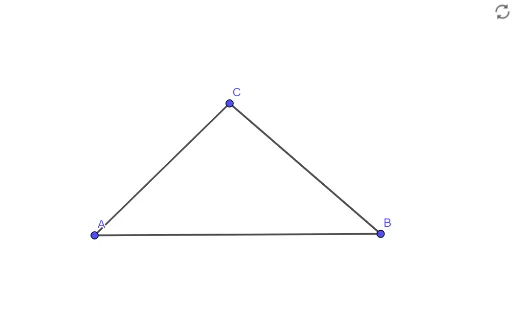
This example demonstrates how to construct the orthocenter of a triangle in GeoGebra. By drawing the three altitudes and finding their intersection point, the orthocenter is determined. Key math concepts include perpendicular lines, triangle altitudes, and intersection points. The construction uses the Segment command in GeoGebra to draw lines, with objects including vertices A, B, C, and altitudes f, g, h. Suitable for middle school and above students to understand orthocenters and triangle geometry properties.
GeoGebra Commands & Parameters
Segment(A, B) → fSegment(B, C) → gSegment(C, A) → h
AI Drawing Prompt Reference
Draw a triangle ABC, then draw perpendicular lines from each vertex to the opposite side to get three altitudes f, g, and h. Finally, find the intersection point of these three altitudes, which is the orthocenter of triangle ABC.
The prompt above was compiled from the original drawing commands and is for reference only.