
Conic Sections of a Cone
Loading the math board and drawing, please wait…
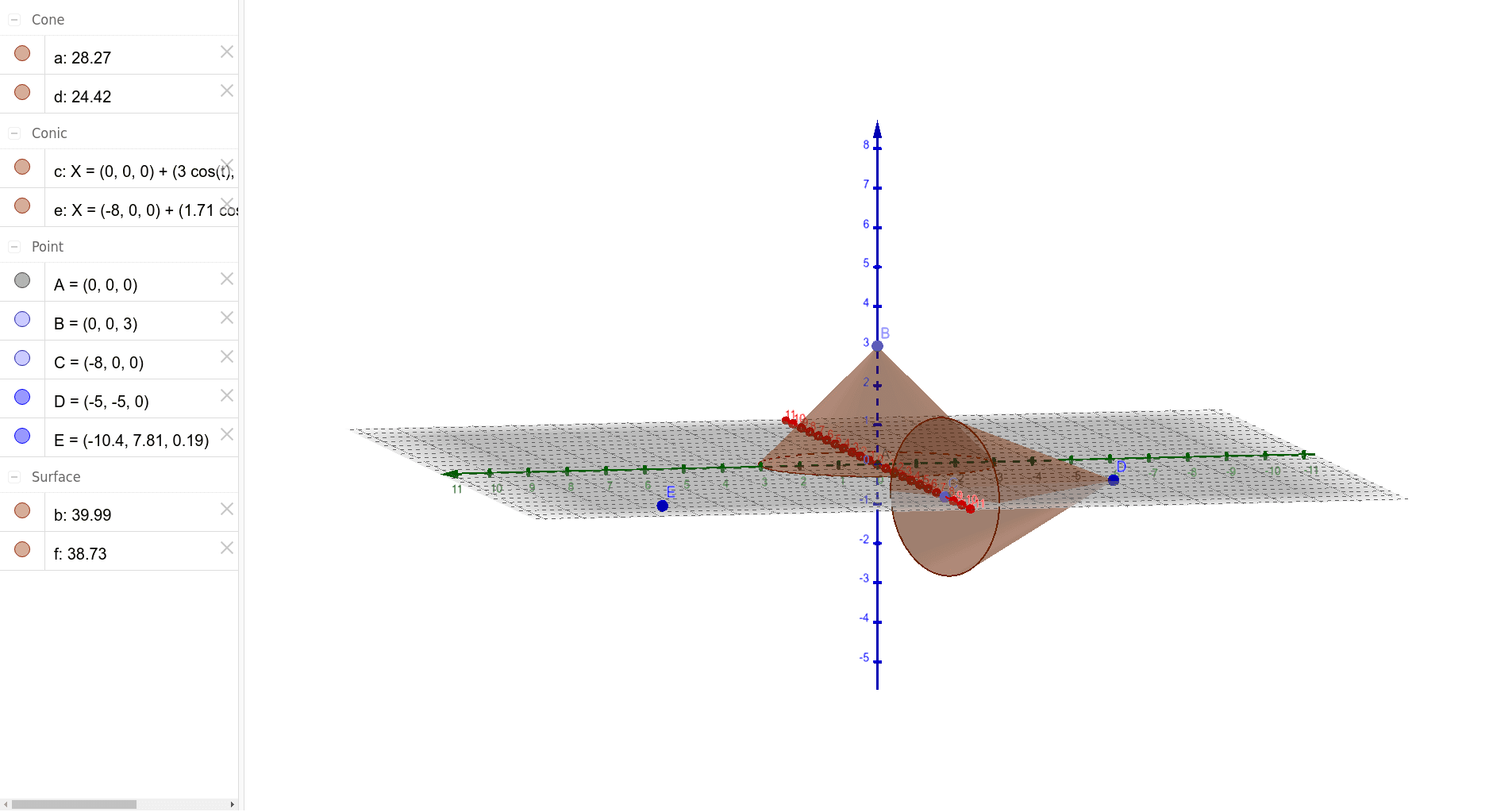
This example demonstrates conic sections of a cone. Key mathematical concepts include cones, sections, and geometric construction. Using the Intersect command, different planes intersecting a cone can be observed to form various shapes. Suitable for students at middle school level and above learning solid geometry.
GeoGebra Commands & Parameters
Intersect(xAxis, yAxis) → APoint(zAxis) → BCone(A, B, 3) → a, c, bPoint(xAxis) → CCone(C, D, 2) → d, e, f
AI Drawing Prompt Reference
Draw a cone and then use a horizontal plane and a vertical plane to cut through this cone to observe the shapes formed by the sections. First, determine the vertex and the center of the base of the cone, then construct the cone using these two points. Next, take a point on the horizontal axis as the vertex of another cone and a point on the vertical axis as the center of the base, and construct the second cone.
The prompt above was compiled from the original drawing commands and is for reference only.