
Congruent Line Segment
Loading the math board and drawing, please wait…
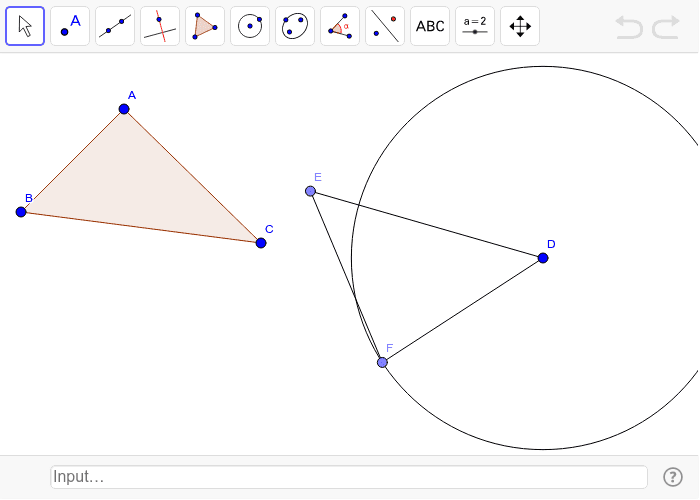
This example demonstrates how to construct and verify congruent line segments using GeoGebra. It involves core math concepts like line segments, vectors, rotation, general quadrilaterals, and derivatives. Construction highlights include using commands like Polygon, Circle, Point, and Segment. Suitable for high school mathematics teaching to understand geometric transformations and segment congruence.
GeoGebra Commands & Parameters
Polygon(A, B, C) → poly1, c, a, bCircle(D, Distance[B, C]) → dPoint(d) → ESegment(D, E) → eCircle(D, Distance[A, C]) → fPoint(f) → FSegment(D, F) → gSegment(E, F) → h
AI Drawing Prompt Reference
Draw a figure consisting of two triangles and two circles to illustrate the relationship between line segments and vectors. Start by constructing a triangle, then draw a circle with one side as the diameter and mark a point on the circle. Connect this point to the opposite vertex to form a second triangle. Repeat this process with the other side, creating another triangle. The figure should highlight congruent line segments and geometric transformations.
The prompt above was compiled from the original drawing commands and is for reference only.