
Cone Volume Calculation and Demonstration
Loading the math board and drawing, please wait…
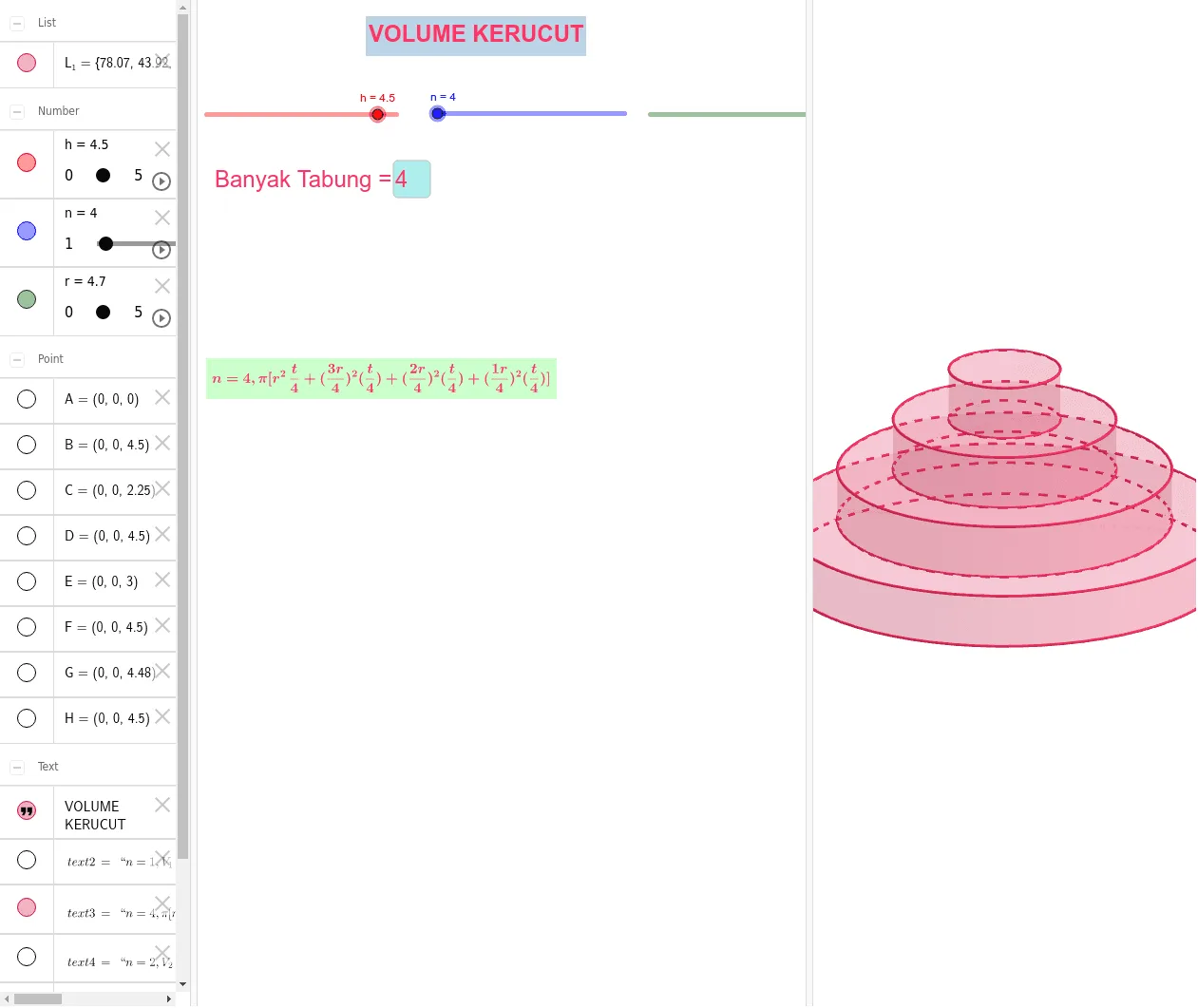
This example demonstrates the calculation and visualization of cone volume. It involves core mathematical concepts such as the cone volume formula, circle area calculation, and sequences. The construction summary utilizes GeoGebra commands and objects like Sequence, Textfield, h (height), n (term), r (radius), L_1 (slant height), A/B/C/D/E/F/G/H (auxiliary points/objects), text1/text2/text5/text4/text3/text6/text7 (text objects), and InputBox1 (input box). It is suitable for middle school and above students to learn and understand volume calculations in solid geometry and dynamic demonstrations.
GeoGebra Commands & Parameters
Sequence(Cylinder[(0, 0, (i * h / n)), (0, 0, ((i + 1) * h / n)), ((n - i) * r / n)], i, 0, n - 1) → L_1Textfield(n) → InputBox1
AI Drawing Prompt Reference
Create a visualization for cone volume calculation, featuring a cone with adjustable height and a slider to control the number of divisions, demonstrating the cone volume formula through dynamic segmentation and calculation of each part's volume, with labels for key parameters like height, radius, and division points, and text annotations for the calculation results and formula.
The prompt above was compiled from the original drawing commands and is for reference only.