
Cone Geometric Construction
Loading the math board and drawing, please wait…
In collections
Volume
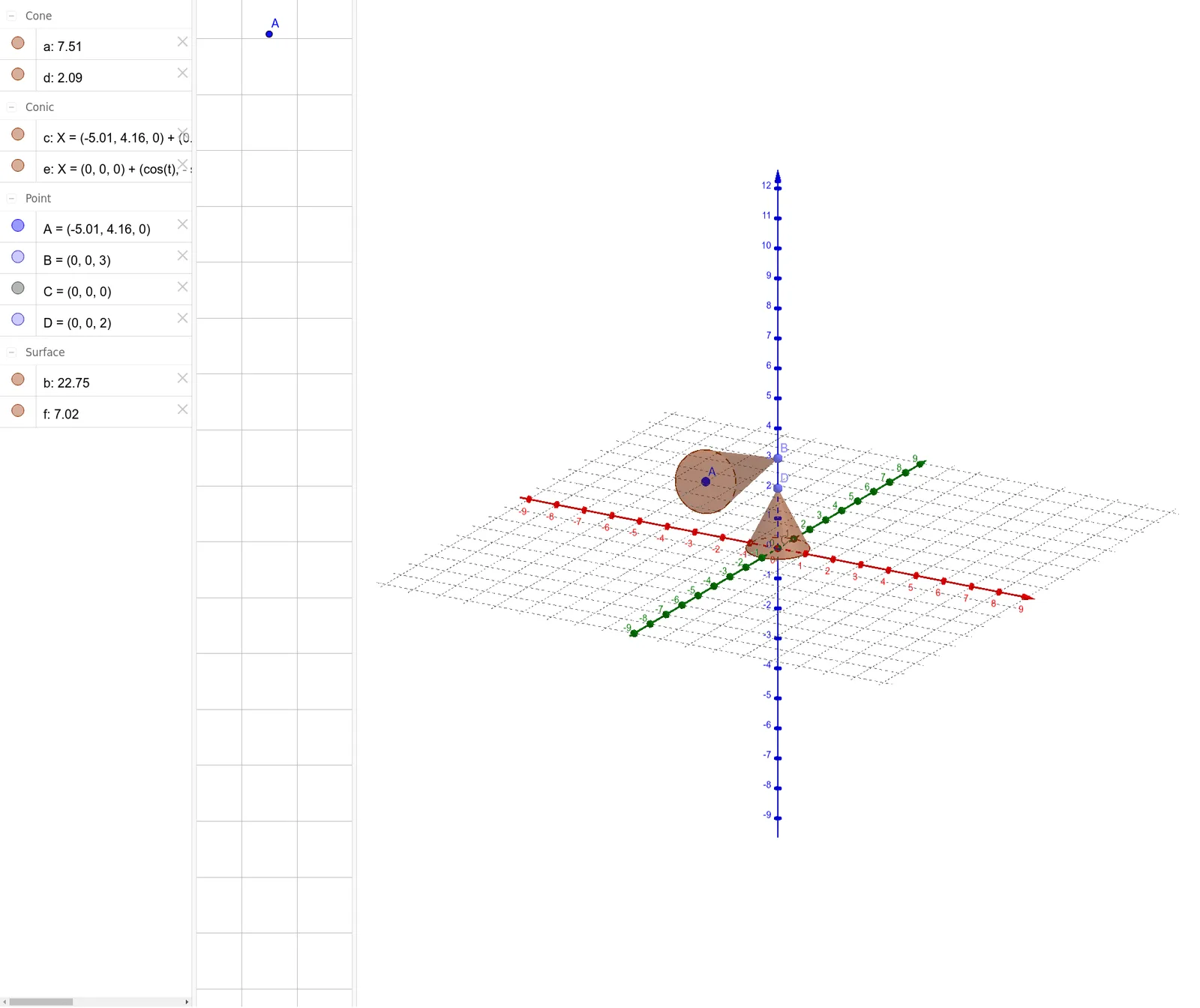
This example demonstrates how to use GeoGebra to draw a cone. It involves basic geometric concepts of a cone, such as the base radius, height, and slant height. By using commands like Point, Cone, and Intersect, the shape and position of the cone can be dynamically adjusted. Suitable for students at the junior high school level and above to learn solid geometry.
GeoGebra Commands & Parameters
Point(zAxis) → BCone(A, B, 1) → a, c, bIntersect(xAxis, zAxis) → CPoint(zAxis) → DCone(C, D, 1) → d, e, f
AI Drawing Prompt Reference
Draw a cone with its base centered at the intersection of the x-axis and z-axis, and height of 1. Then, take another point on the z-axis and draw a second cone with the same base center and height of 1, demonstrating the geometric construction of cones.
The prompt above was compiled from the original drawing commands and is for reference only.