
Cone and Cylinder by angela
Loading the math board and drawing, please wait…
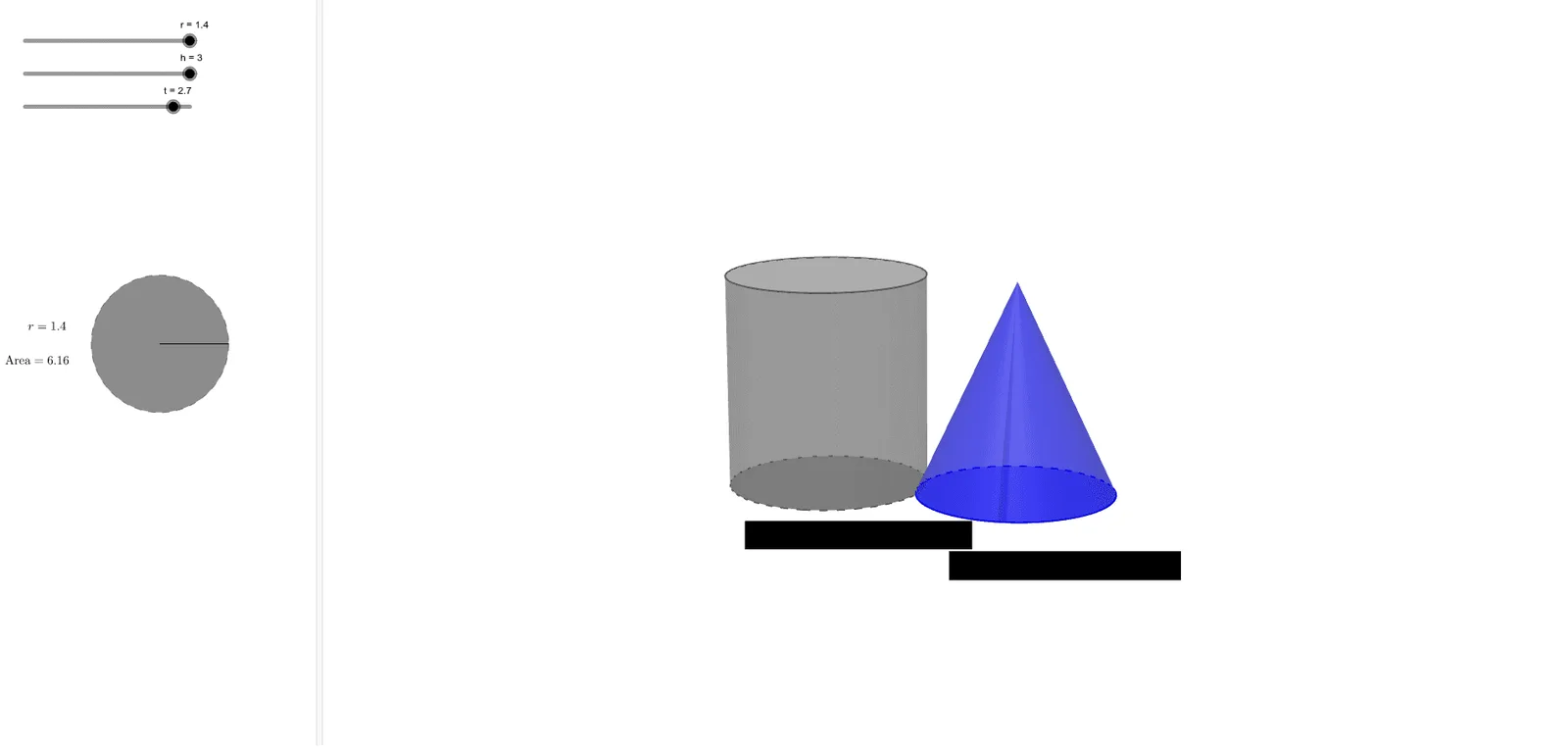
This example demonstrates the construction of a cone and a cylinder. Key mathematical concepts include solid geometry, specifically cones and cylinders. The construction involves using GeoGebra commands such as Cone, Cylinder, Point, Circle, etc. It is suitable for high school or university-level solid geometry studies.
GeoGebra Commands & Parameters
Point({r, 0, 0}) → BCircle(zAxis, B) → cCylinder(c, h) → a, d, bArea(c) → ePoint({0, t, 0}) → APoint({0, 0, 0}) → OVector(O, A) → uTranslate(c, u) → d'Cone(d', h) → f, g, iSegment(O, B) → jCircumference(d) → circumferencedPointIn(d) → PointdCircumference(d') → circumferenced'PointIn(d') → Pointd'Volume(a) → volumeaPointIn(b) → PointbVolume(f) → volumefPointIn(i) → PointiTranslate(C, u) → C'
AI Drawing Prompt Reference
Draw a cone and a cylinder to demonstrate their geometric construction. Start by creating a circle, then generate a cylinder based on this circle, and extend the cylinder's top to form a cone. Label the area of the circle and the volume of the cylinder, and show the volume of the cone. Connect the origin to the edge point of the circle and display the lateral surface unfoldings of the cylinder and cone.
The prompt above was compiled from the original drawing commands and is for reference only.