
Complex Root Finder
Loading the math board and drawing, please wait…
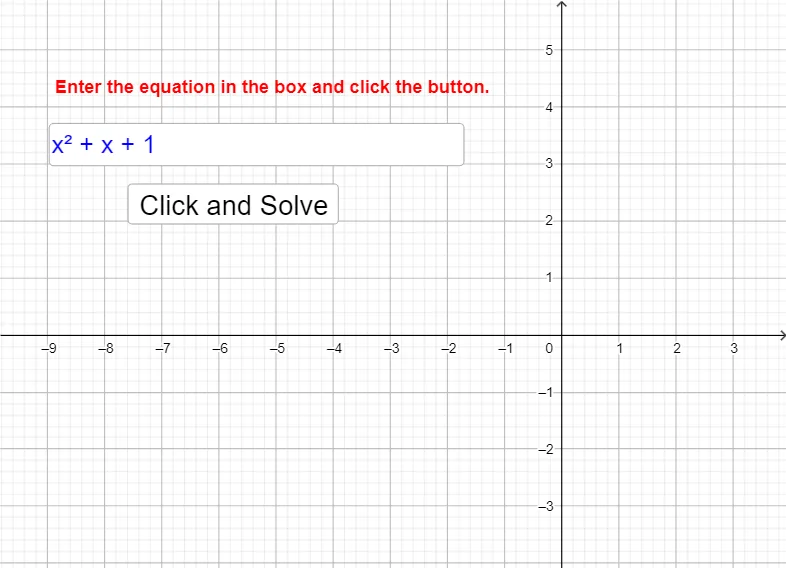
This example demonstrates how to use GeoGebra to find and visualize the roots of complex functions. It involves core mathematical concepts such as complex numbers, functions, equation solving, and geometric representation. Key GeoGebra commands used include Textfield for input, button1 for triggering calculations, f as the function object, InputBox1 for entering expressions, and text1 for displaying results. Suitable for high school and above mathematics learners to understand the properties of complex functions and the distribution of their roots.
GeoGebra Commands & Parameters
Textfield(f) → InputBox1
AI Drawing Prompt Reference
Create a visualization tool to show the roots of complex mathematical functions. Design an input box for users to enter a function expression, then trigger calculations via a button to plot the roots on the complex plane, and use a text box to display the calculation results for users to observe the distribution and properties of the roots.
The prompt above was compiled from the original drawing commands and is for reference only.