
Comparison of Spheres' Volumes
Loading the math board and drawing, please wait…
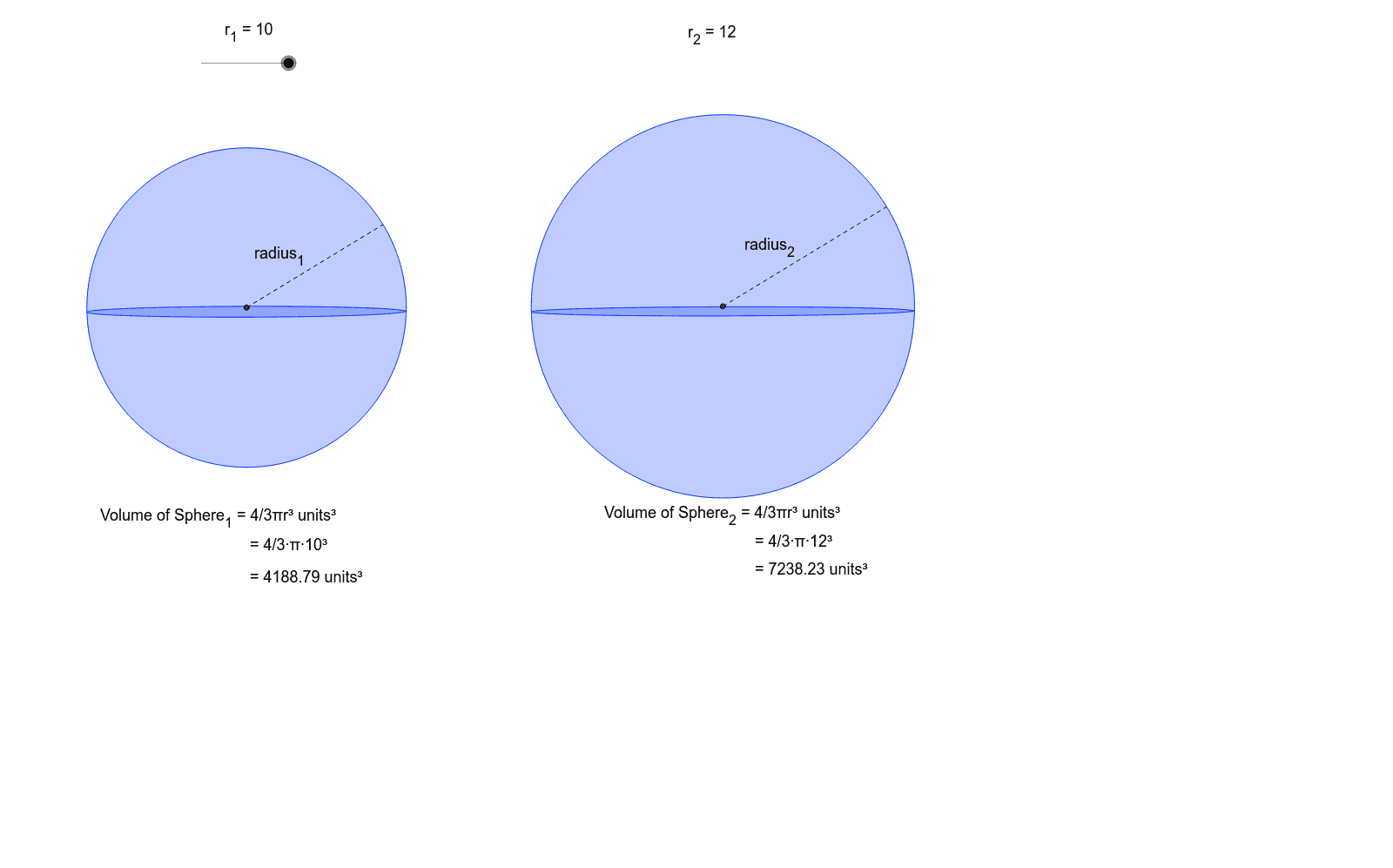
This example demonstrates how to compare the volumes of different spheres by changing their radii. Key mathematical concepts include the volume formula of a sphere and geometric construction. It uses commands like Circle, Segment, Intersect, and Point in GeoGebra. Suitable for high school math education and students learning solid geometry.
GeoGebra Commands & Parameters
Segment(B, A) → hCircle(B, D) → eCircle(A, Radius[e]) → fIntersect(e, f, 1) → EIntersect(e, f, 2) → FSegment(E, F) → bIntersect(h, b) → GCircle(G, r_1) → gPoint(g) → KPoint(g) → HemisphereEllipse(K, Hemisphere, M) → kPoint(g) → NSegment(G, N) → radius_1Segment(B_1, A_1) → h_1Circle(B_1, D_1) → e_1Circle(A_1, Radius[e_1]) → f_1Intersect(e_1, f_1, 1) → E_1Intersect(e_1, f_1, 2) → F_1Segment(E_1, F_1) → b_1Intersect(h_1, b_1) → G_1Circle(G_1, r_2) → g_1Point(g_1) → K_1Point(g_1) → Hemisphere_1Ellipse(K_1, Hemisphere_1, M_1) → k_1Point(g_1) → N_1Segment(G_1, N_1) → radius_2
AI Drawing Prompt Reference
Draw two spheres side by side to compare their volumes. For each sphere, start with a horizontal segment and two intersecting circles to determine the center. Then draw a circle centered at that point as the sphere's outline. Place two points on the outline and connect them with an ellipse to suggest three-dimensionality. Draw a radius segment from the center to another point on the outline. Use different radii for the two spheres and label each radius to show how volume changes with size.
The prompt above was compiled from the original drawing commands and is for reference only.