
Comparing Real Numbers
Loading the math board and drawing, please wait…
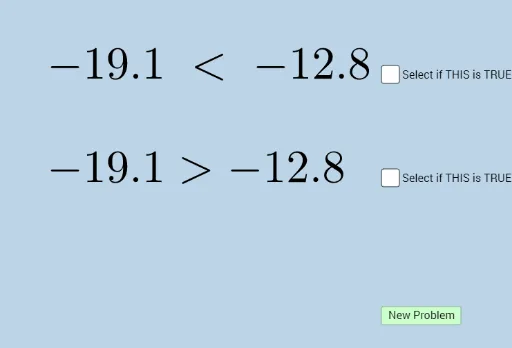
This example demonstrates how to compare real numbers. It involves the concept of real numbers and is constructed using GeoGebra commands such as Sequence, RandomElement, and Union. Suitable for middle school and above students or teachers.
GeoGebra Commands & Parameters
Sequence(i, i, -20, 20, 0.1) → LRandomElement(L) → aSequence(i, i, a + 0.1, 20, 0.1) → rightSequence(i, i, -20, a - 0.1, 0.1) → leftUnion(left, right) → L1RandomElement(L1) → b
AI Drawing Prompt Reference
Draw a line segment from -20 to 20, randomly select a number a as the boundary point, divide the line segment into two parts from a+0.1 to 20 and from -20 to a-0.1, then merge these two parts, and finally select a point b from the merged segment.
The prompt above was compiled from the original drawing commands and is for reference only.