
City Aerial-View Geometry: Cone and Hyperbola Limiting Behavior
Loading the math board and drawing, please wait…
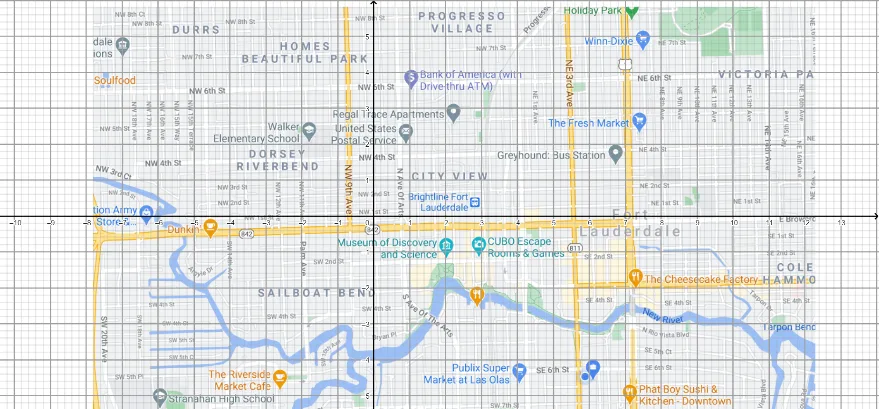
This GeoGebra example uses an “aerial city view” style presentation to visualize geometric structure arising from a cone-related setup, highlighting how characteristic curves emerge from 3D-to-2D geometric relationships. The key mathematics includes cone geometry (cone), the appearance and behavior of hyperbolas (hyperbola), and limit reasoning (limits) to describe how configurations approach a limiting shape or boundary. The example also references expected value (expected value) as part of the modeling/interpretation theme. Construction-wise, the provided construction summary indicates the workflow is driven by fundamental objects A, B, and the rendered scene/picture pic1: points A and B serve as controlling inputs, and the figure pic1 is generated from these objects using GeoGebra’s geometric construction and visualization pipeline. Suitable for upper secondary and early university learners, this is a strong classroom demo for conic sections, solid geometry, and limit-based visualization.
GeoGebra Commands & Parameters
Point A(-7.006809917355368, -6.83677685950413)Point B(10.618314049586779, -6.83677685950413)
AI Drawing Prompt Reference
Create an aerial city-view geometric illustration featuring a cone whose surface intersects a plane, producing a hyperbola. Two control points, positioned on the left and right sides, define the cone's apex and base edge, serving as the construction anchors. The hyperbola extends from the cone's side, approaching a limiting boundary line, illustrating how the curve tends toward a straight line as the plane nears a critical position. The composition emphasizes the 3D-to-2D projection relationship, with a subtle visual hint of expected value or central tendency, suitable for demonstrating conic sections and limit concepts in a classroom setting.
The prompt above was compiled from the original drawing commands and is for reference only.