
Circular Orbits of Artificial Satellites
Loading the math board and drawing, please wait…
In collections
El dominio del Tiempo (cinemática intuitiva)
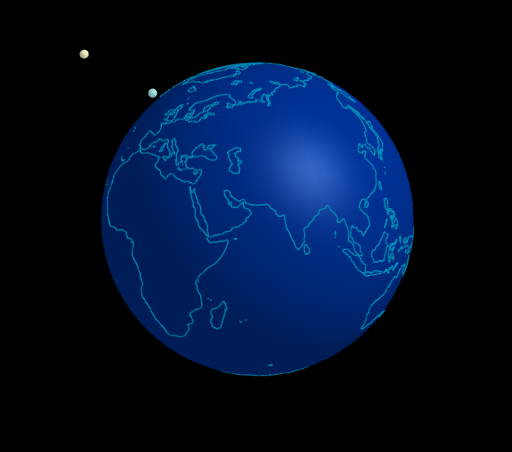
This example demonstrates the circular orbits of artificial satellites. Key mathematical concepts include the properties of circles and 3D vectors. Using GeoGebra commands such as Sphere, Line, and Circle, the formation of the orbit can be dynamically shown. Suitable for high school and above students to learn about the properties of circles and the application of 3D vectors.
GeoGebra Commands & Parameters
Sphere((0, 0, 0), (0.999 * 5)) → tierraLine(Tierra, Rotate[(5; 0°; 90°), α1, Line[Tierra, (d1; 0°; 0°)]]) → eje1Circle(Tierra, d1, eje1) → c1Line(Tierra, Rotate[(5; 90°; 90°), α2, Line[Tierra, (d2; 90°; 0°)]]) → eje2Line(Tierra, Rotate[(5; 300°; 90°), α3, Line[Tierra, (d2; 300°; 0°)]]) → eje3Circle(Tierra, d2, eje2) → c2Circle(Tierra, d3, eje3) → c3
AI Drawing Prompt Reference
Draw a 3D Earth model centered at the origin with radius 5. From the Earth's center, create three axes, each pointing to a rotated point with angles controlled by three parameters. Around each axis, draw a circular orbit centered at the Earth, with radii 5, 5, and 5 respectively. The three orbit planes are defined by their corresponding axes, showing satellite circular orbits in different inclined planes. The scene displays the Earth with multiple surrounding orbits in 3D space.
The prompt above was compiled from the original drawing commands and is for reference only.