
Circle Vocabulary
Loading the math board and drawing, please wait…
In collections
Area of a triangle and Circle
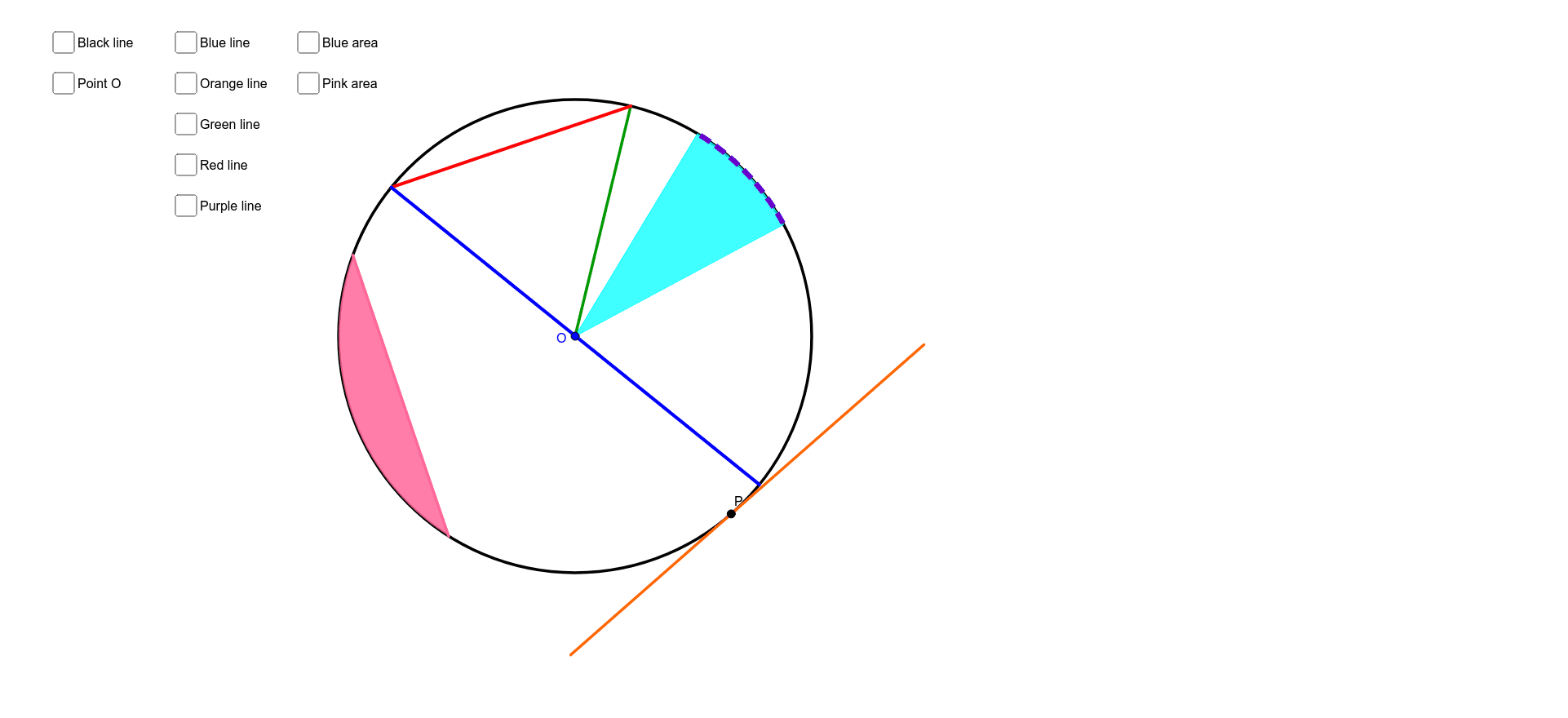
This example demonstrates basic vocabulary related to circles, including center, radius, diameter, chord, arc, and sector. Key mathematical concepts include the basic properties of circles. Using GeoGebra commands such as Circle, Segment, and CircleArc, various constructions of circles are illustrated. Suitable for students at the middle school level and above to learn basic circle concepts.
GeoGebra Commands & Parameters
Circle(O, 5.7988964467388095) → CircumferencePoint(Circumference) → APoint(Circumference) → C_1Point(Circumference) → D_1Point(Circumference) → CPoint(Circumference) → PTangent(P, Circumference) → Tangent_1,Segment(O, A) → Radius_1CircleSector(O, D_1, C_1) → SectorSegment(C, A) → ChordPoint(Circumference) → DSegment(C, D) → DiameterPoint(Circumference) → EPoint(Circumference) → FCircleArc(O, A, C) → gCircleArc(O, F, E) → ArcPoint(Circumference) → JPoint(Circumference) → KCircleArc(O, J, K) → SegmentSegment(J, K) → bPoint(Tangent_1) → LPoint(Tangent_1) → MSegment(L, M) → Tangent
AI Drawing Prompt Reference
Draw a circle and label its center, radius, diameter, chord, and arc. Create a tangent at an arbitrary point on the circle and illustrate a sector. Use arcs to represent parts of the circle and draw line segments connecting two points on the circle. Finally, draw two tangents from the point of tangency, showcasing the properties of tangents.
The prompt above was compiled from the original drawing commands and is for reference only.