
Circle Vocabulary Exploration
Loading the math board and drawing, please wait…
In collections
Unit 9 - Circles
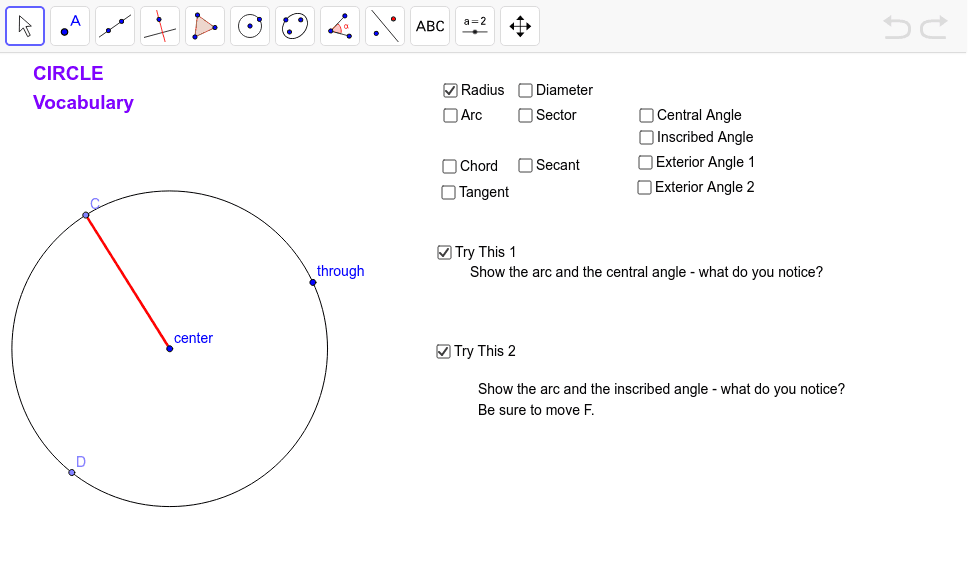
This example dynamically illustrates circle terms such as center, radius, diameter, chord, and arc, while highlighting basic angle relationships. It covers core math concepts including circle definitions, geometric properties, and angle relations. Constructed using GeoGebra commands like Circle, Point, Segment, Line, Intersect, Ray, CircleArc, CircleSector, Angle, and OrthogonalLine. Suitable for high school students learning geometry for a visual understanding of circle properties and angle relationships.
GeoGebra Commands & Parameters
Circle(A, B) → cPoint(c) → CPoint(c) → DSegment(C, A) → bLine(D, A) → dIntersect(c, d, 2) → ESegment(D, E) → aPoint(c) → FSegment(D, F) → eSegment(F, C) → fLine(A, F) → gCircle(A, (1.1 * Distance[A, F])) → hIntersect(h, g, 2) → F2Circle(A, (1.2 * Distance[A, F])) → kIntersect(k, g, 2) → F3Ray(F2, F3) → iPoint(i) → GSegment(C, G) → jSegment(G, D) → lCircleArc(A, C, D) → pCircleSector(A, C, D) → qAngle(C, A, D) → αAngle(C, F, D) → βAngle(C, G, D) → γOrthogonalLine(C, b) → tAngle(b, t) → δSegment(C, D) → a_1Segment(H, D) → b_1Segment(H, C) → c_1Angle(C, H, D) → εSegment(I, C) → d_1Intersect(c, d_1, 2) → JSegment(A, C) → g_1Segment(A, D) → h_1Intersect(c, j, 2) → KIntersect(c, l, 2) → LCircleArc(A, L, K) → k_1Intersect(c, b_1, 2) → MIntersect(c, c_1, 2) → NCircleArc(A, M, N) → p_1CircleArc(A, D, N) → q_1
AI Drawing Prompt Reference
Draw a circle and label its center, radius, diameter, and chords. Show the arcs corresponding to the central angles formed by the chords. Draw two rays to form an angle and label its sides. Connect an arbitrary point on the circle to the center and to other points on the circle, forming multiple angles. Finally, draw a line perpendicular to a radius and label the angles formed.
The prompt above was compiled from the original drawing commands and is for reference only.