
Circle Through a Point: Dynamic Construction and Geometric Transformations
Loading the math board and drawing, please wait…
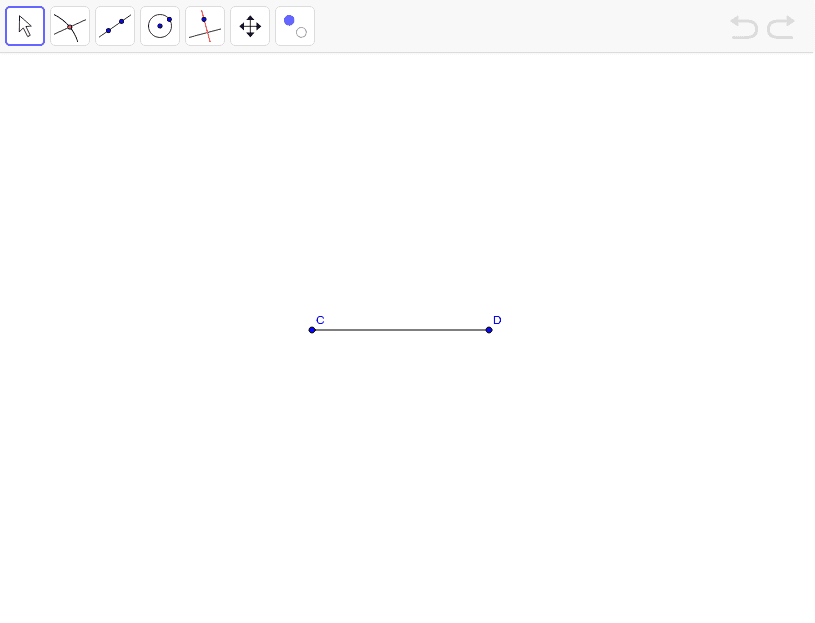
This GeoGebra example demonstrates how to construct a circle passing through a given point, using sliders and geometric transformations to dynamically adjust the circle's position and size, illustrating the fact that infinitely many circles can pass through a single point. Core mathematical concepts include the definition of a circle (set of points at a fixed distance from a center), midpoint, segment, and the effects of geometric transformations such as translation or scaling on the circle. Construction details: the Midpoint command is used to determine the center or auxiliary points, the Circle command draws the circle with specified center and radius, and the Segment command constructs the radius or auxiliary segments. Key objects include D, C, step1, r, target1, target2, step2, text1, a, showAnswer, and finished, where slider a and step series control the dynamic process, while showAnswer and finished display answers or completion states. Suitable for middle school geometry or high school analytic geometry introduction, helping students understand basic circle properties and dynamic construction methods, and explore how circles correspond under geometric transformations.
GeoGebra Commands & Parameters
Midpoint(C, D) → target1Circle(target1, C) → target2Segment(C, D) → a