
Circle Area Calculation by Mr. Krebs
Loading the math board and drawing, please wait…
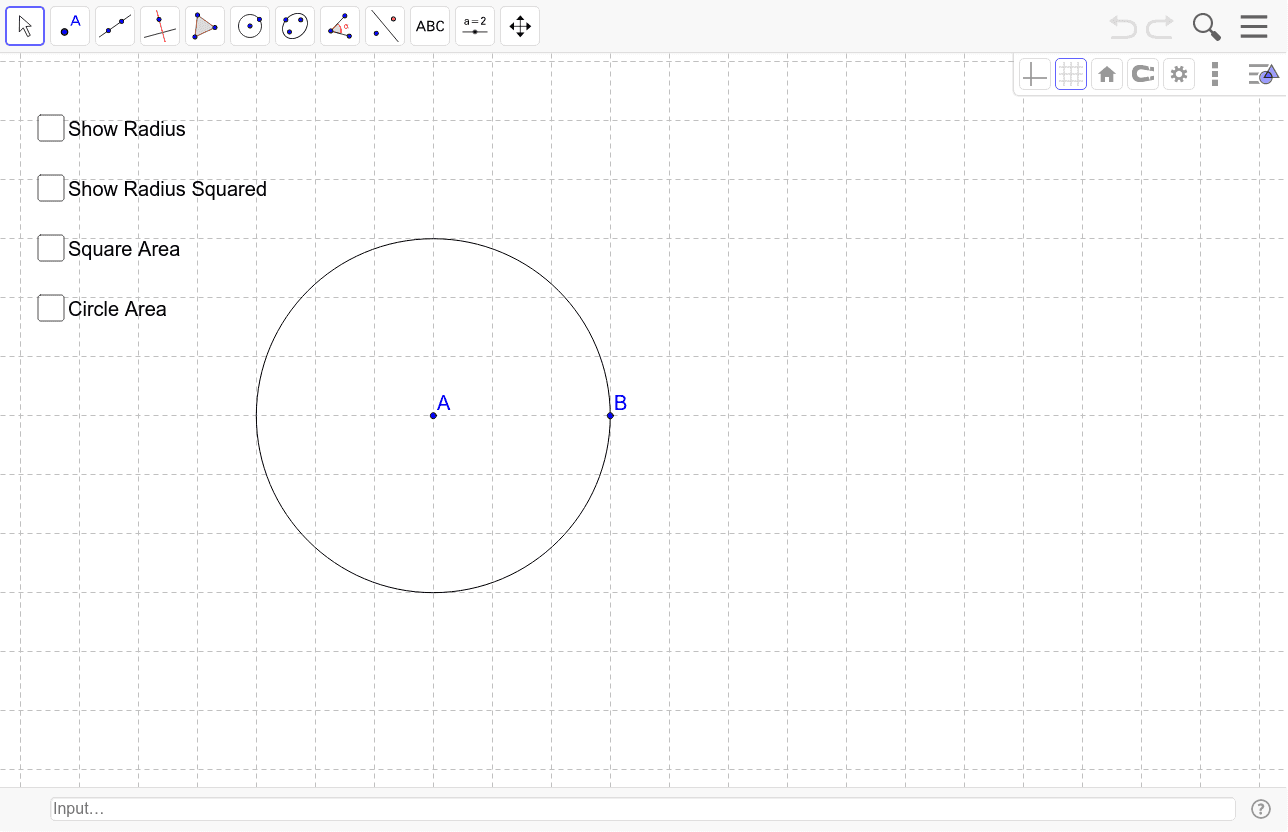
This example demonstrates how to dynamically calculate the area of a circle, involving core concepts like circle definition, area formula, and parametric equations. It uses GeoGebra commands such as Circle, Polygon, Area, and Segment. Suitable for high school mathematics teaching and geometric construction learning.
GeoGebra Commands & Parameters
Circle(A, B) → cPolygon(A, B, 4) → R, a, b, d, e, C, DArea(c) → areacSegment(A, B) → i
AI Drawing Prompt Reference
Draw a circle and then create a square using the circle's center as one vertex, connecting the square's vertices to show the circle's diameter. Calculate and display the circle's area, and draw a line segment from the center to one vertex of the square to illustrate the circle's definition and area formula application.
The prompt above was compiled from the original drawing commands and is for reference only.