
Circle and Locus Demonstration
Loading the math board and drawing, please wait…
In collections
GCSE Higher Ch8 Transformations & Constructions
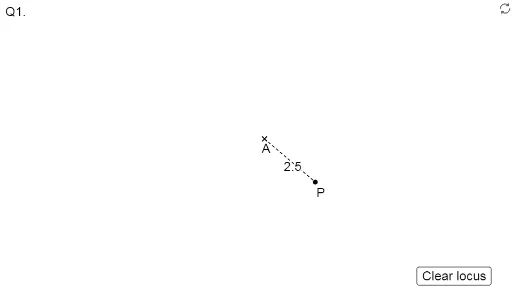
This example demonstrates the geometric relationship between the circumference and locus. It involves core math concepts like circle, locus, and geometric construction. Construction highlights include using commands like Circle, Ray, Intersect, Segment to draw circles, rays, intersection points, and line segments. Suitable for high school mathematics teaching and geometric construction learning.
GeoGebra Commands & Parameters
Circle(A, r) → cRay(A, P) → bIntersect(c, b, 1) → QSegment(A, P) → d
AI Drawing Prompt Reference
Draw a circle c with center A and radius r, then draw a ray b starting from A. Find the intersection point Q where circle c and ray b meet. Finally, draw a line segment connecting points A and P.
The prompt above was compiled from the original drawing commands and is for reference only.