
Checking Intersection Conditions for Linear Equations
Loading the math board and drawing, please wait…
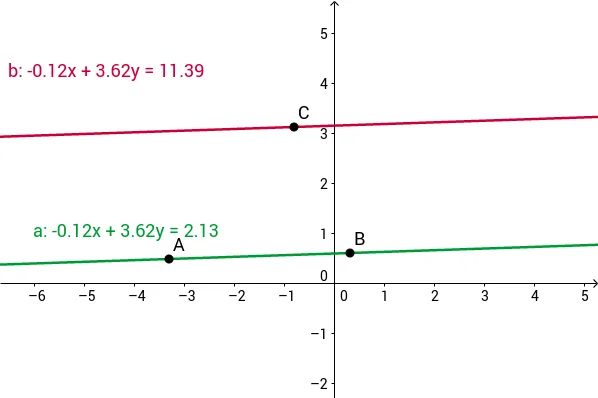
This example demonstrates how to use GeoGebra to check if two lines intersect and the nature of their intersection. Key math concepts include systems of linear equations in two variables, conditions for lines to intersect, and ratios. The construction uses the Line command to draw lines and objects A, B, a, C, b to represent parameters of the equations. Suitable for middle school and above students learning analytical geometry and systems of equations solving.
GeoGebra Commands & Parameters
Line(A, B) → aLine(C, a) → b
AI Drawing Prompt Reference
Draw two lines connecting two points, then connect the first point to the line formed by the second point, to illustrate the intersection conditions of the lines, useful for analyzing systems of linear equations and intersection properties.
The prompt above was compiled from the original drawing commands and is for reference only.