
Check - Is it a Perpendicular Bisector?
Loading the math board and drawing, please wait…
In collections
*Geometry with Math Energy TV*
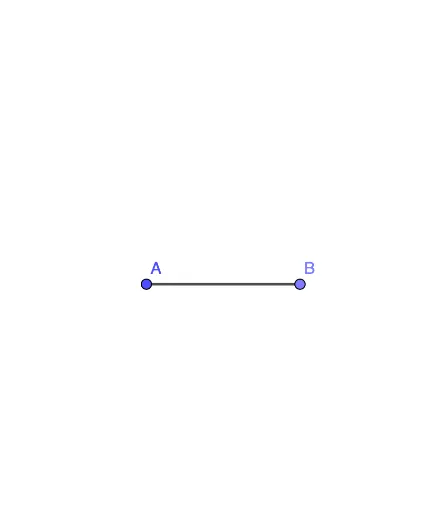
This GeoGebra example demonstrates how to verify whether a given line is the perpendicular bisector of a segment. The core mathematical concept is the definition and properties of a perpendicular bisector: a line that passes through the midpoint of a segment and is perpendicular to it. Construction steps: use the Point command to create points A and B, and the Segment command to form segment f (AB). Then, by observing or measuring, one can check if the candidate line meets both conditions (midpoint and right angle). Suitable for middle school geometry lessons, this interactive tool reinforces the criterion for identifying perpendicular bisectors and supports inquiry-based learning in geometric constructions.
GeoGebra Commands & Parameters
Point(Circle[A, 3]) → BSegment(A, B) → f
AI Drawing Prompt Reference
Draw a line segment AB, then draw a line l1 and check if l1 passes through the midpoint of AB and is perpendicular to AB.
The prompt above was compiled from the original drawing commands and is for reference only.