
Calculate Yearly Grade
Loading the math board and drawing, please wait…
In collections
Probability & Intro. to Stat.
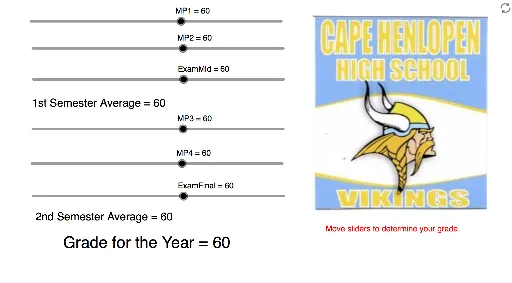
This example demonstrates how to calculate the yearly grade based on midterm exam, final exam, and semester grades. Key mathematical concepts include weighted average and piecewise functions. Using GeoGebra commands such as MP1, MP2, ExamMid, MP3, MP4, ExamFinal, Sem1, Sem2, YearGrade, the process of grade calculation is visually illustrated. Suitable for high school math education and learning.
GeoGebra Commands & Parameters
Numeric MP1(60)Numeric MP2(60)Numeric ExamMid(60)Numeric MP3(60)Numeric MP4(60)Numeric ExamFinal(60)(0.425 * (MP1 + MP2)) + (0.15 * ExamMid)(0.425 * (MP3 + MP4)) + (0.15 * ExamFinal)(Sem1 + Sem2) / 2Point A(8.152, -2.116)Point B(15.14, -2.16)
AI Drawing Prompt Reference
Create a diagram illustrating yearly grade calculation. Start by placing six numeric points on a coordinate plane, representing two semesters' coursework, midterm, and final exam scores, all initially set to 60. Then, compute each semester's grade using a weighted formula combining coursework and exam scores, and average the two semester grades to get the yearly total. Finally, add two reference points below the graph for annotation. The diagram should clearly show the calculation steps with values, formulas, and coordinate points.
The prompt above was compiled from the original drawing commands and is for reference only.