
Calculate Area and Volume of Rectangular Prism
Loading the math board and drawing, please wait…
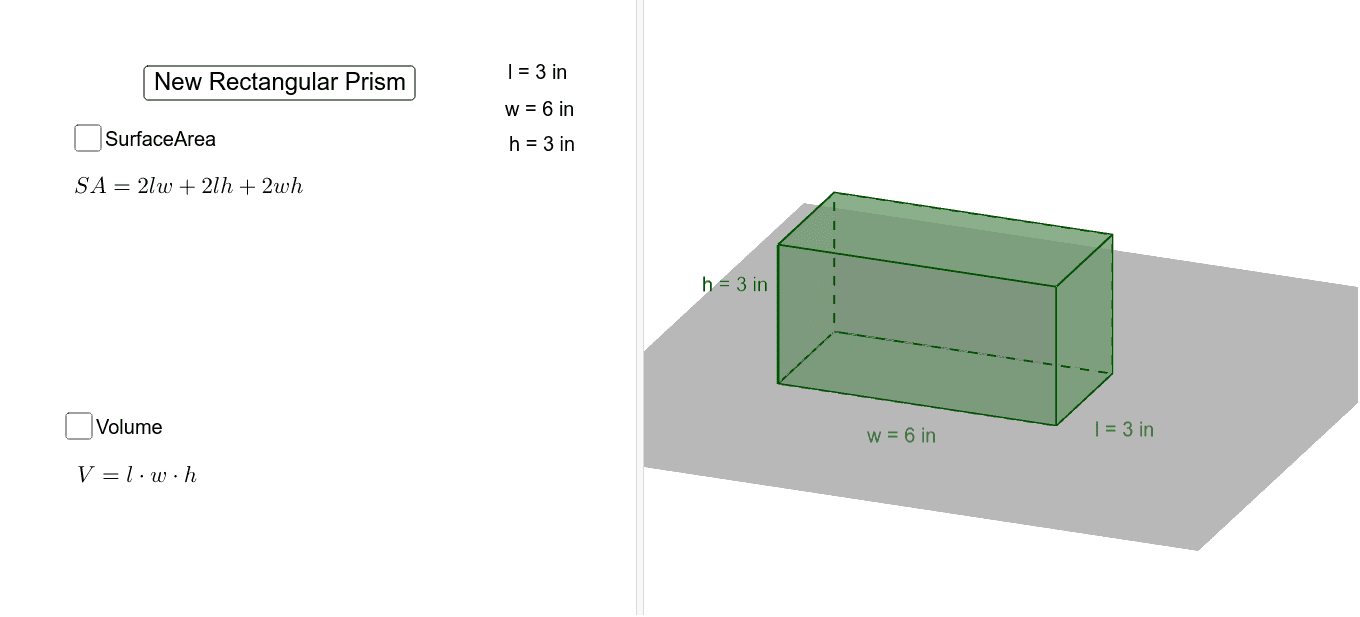
This example demonstrates how to dynamically construct a rectangular prism and calculate its surface area and volume using GeoGebra. The core mathematical concepts involved include solid geometry, area calculation, and volume calculation. Key construction steps include using commands like Random for generating random parameters, Intersect for finding intersections, Circle and OrthogonalLine for constructing geometric shapes, Polygon for creating polygons, Prism for forming the prism, and Volume for calculating the volume. It is suitable for high school students and above to learn solid geometry and spatial visualization skills.
GeoGebra Commands & Parameters
Random(1, 8) → h_1Intersect(xAxis, yAxis) → ARandom(1, 4) → l_1Circle(A, l_1) → cRandom(1, 4) → w_1Circle(A, w_1) → dIntersect(d, yAxis, 2) → BIntersect(c, xAxis, 2) → COrthogonalLine(C, xAxis) → aOrthogonalLine(B, yAxis) → bIntersect(a, b) → DRandom(0, 4) → eRandom(0, 4) → fPolygon(D, E, F, G) → poly1, l_2, e_1, w, lPrism(poly1, h_1) → i, H, edgeDH, edgeEI, h, h_2, edgeHI, edgeIJ, edgeJK, edgeHK, I, J, K, faceDEIH, faceEFJI, faceFGKJ, faceDGKH, faceHIJKVolume(i) → vol