
Butterfly Symmetry
Loading the math board and drawing, please wait…
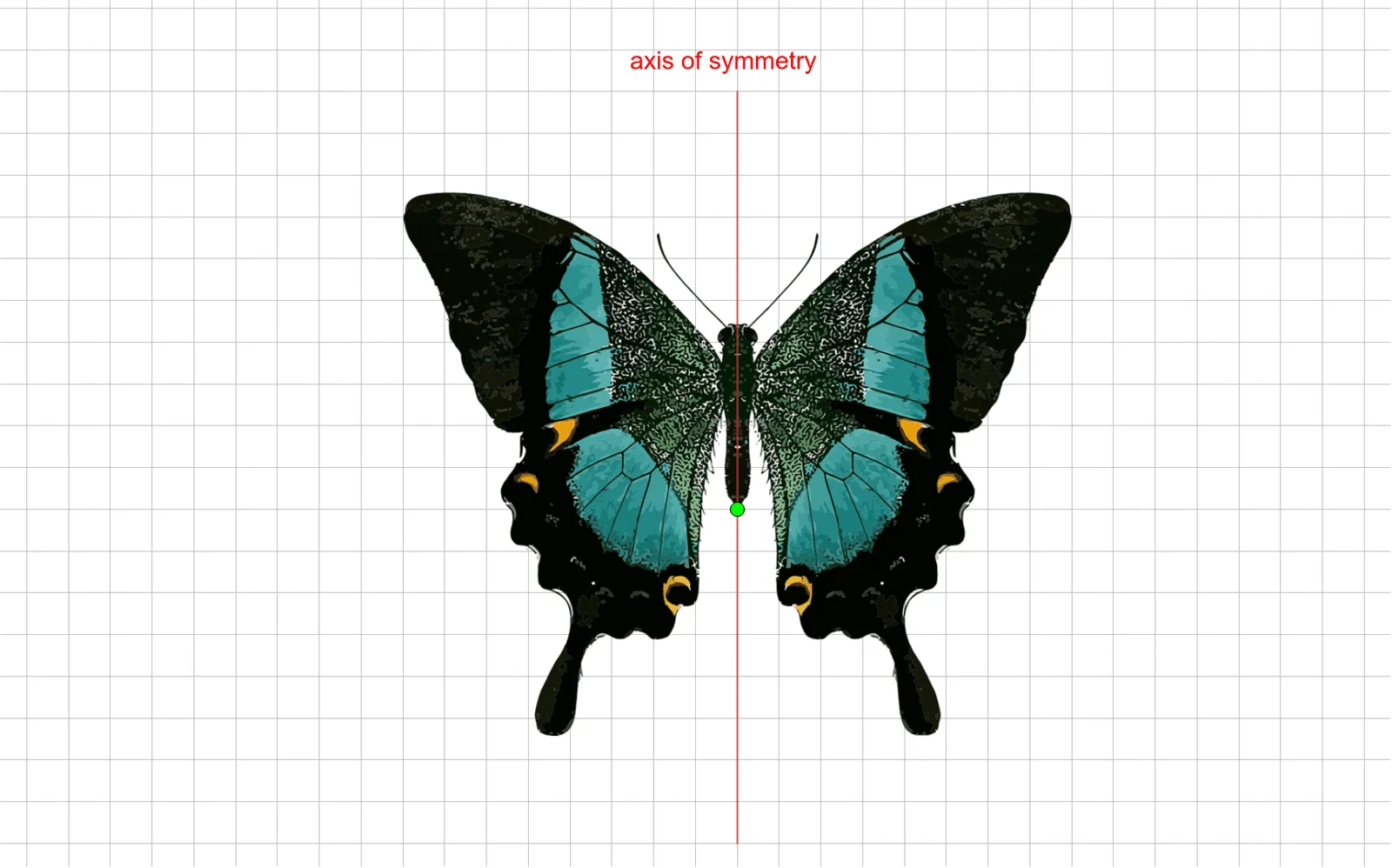
This example demonstrates the construction and properties of a butterfly symmetry figure, involving core mathematical concepts like symmetry, reflection, parametric curves, and 2D vectors. It uses commands such as Point, Segment, and Mirror in GeoGebra. Suitable for high school mathematics education and learning to understand geometric transformations and parametric curves.
GeoGebra Commands & Parameters
Point(yAxis) → CPoint(yAxis) → DSegment(C, D) → fMirror(E, f) → E'
AI Drawing Prompt Reference
Draw a butterfly symmetry figure by first creating a horizontal line segment, then sketching a symmetrical curve above it to form the wings of the butterfly. Mark the midpoint of the line segment as the axis of symmetry and connect corresponding points with dashed lines to illustrate the symmetry.
The prompt above was compiled from the original drawing commands and is for reference only.