
Brain Challenge
Loading the math board and drawing, please wait…
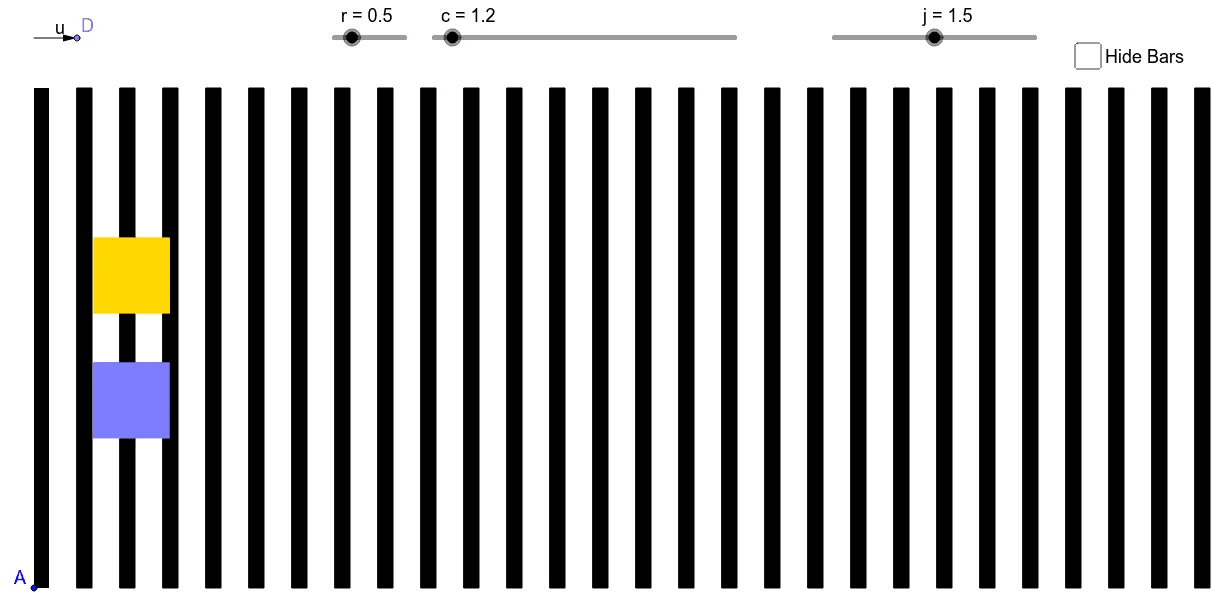
This example demonstrates plane geometry through geometric transformations, involving core mathematical concepts such as vectors and polygons. It uses GeoGebra commands like Segment, OrthogonalLine, Vector, and Translate to construct complex geometric shapes. Suitable for high school and above students or teachers for teaching or self-study.
GeoGebra Commands & Parameters
Segment(A, B) → aOrthogonalLine(C, a) → bPoint(b) → DVector(C, D) → uTranslate(F, Vector[(40 * u)]) → F'Translate(E, Vector[(40 * u)]) → E'Polygon(E, F, F', E') → poly1, e, f, f', e'Polygon(G, H, 4) → poly2, d, g, h, i, I, JPolygon(L, K, 4) → poly3, k, l, m, n, M, NPolygon(A, O, P, B) → poly4, a_1, o, p, b_1Sequence(Polygon[Translate[A, Vector[(k * u)]], Translate[O, Vector[(k * u)]], Translate[P, Vector[(k * u)]], Translate[B, Vector[(k * u)]]], k, 1, 30) → list1
AI Drawing Prompt Reference
Draw a complex geometric pattern consisting of multiple polygons. Start by drawing a line segment, then take a point on a perpendicular line above it. Form a vector using this point and the segment's starting point. Use this vector to translate several points and connect them to create multiple quadrilaterals and squares. Finally, repeat the translation of these shapes in a regular pattern to form a dynamic geometric design.
The prompt above was compiled from the original drawing commands and is for reference only.