
Bisecting the Sides of a Triangle: Constructing Midpoints and Connecting Them
Loading the math board and drawing, please wait…
In collections
Points of Concurrency
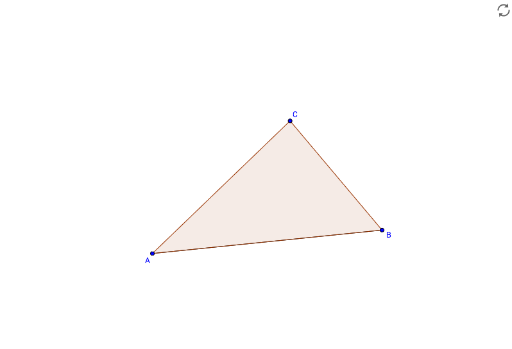
① This example demonstrates how to bisect each side of a triangle by constructing the midpoints and connecting them, forming a new inner triangle (the medial triangle). ② Core mathematical concepts include segment midpoints, equal division of triangle sides, and the resulting similar triangles with area ratio 1:4. ③ Construction details: Based on the summary, the GeoGebra commands used are Segment (to draw the triangle's sides) and Polygon (to create the triangle), with objects A, B, C as vertices, sides a, b, c, and auxiliary segment a_1; midpoints are taken and connected to complete the construction. ④ Suitable for middle school geometry lessons, this example helps students understand the triangle midsegment theorem, properties of similar triangles, and serves as a foundation for vectors and coordinate geometry. It visually shows the medial triangle and its area relationship to the original, encouraging hands-on exploration of geometric relationships.
GeoGebra Commands & Parameters
Segment(A, B) → aPolygon(A, B, C) → poly1, c, a_1, b
AI Drawing Prompt Reference
Draw a triangle with three vertices. Mark the midpoint of each side, then connect these three midpoints to form a smaller inner triangle. This inner triangle is similar to the original and has one-fourth of its area. Clearly show the original triangle's sides, the three midpoints, and the connecting segments, to illustrate the midsegment theorem and the area ratio.
The prompt above was compiled from the original drawing commands and is for reference only.