
Binomial Multiplication Geometric Demonstration
Loading the math board and drawing, please wait…
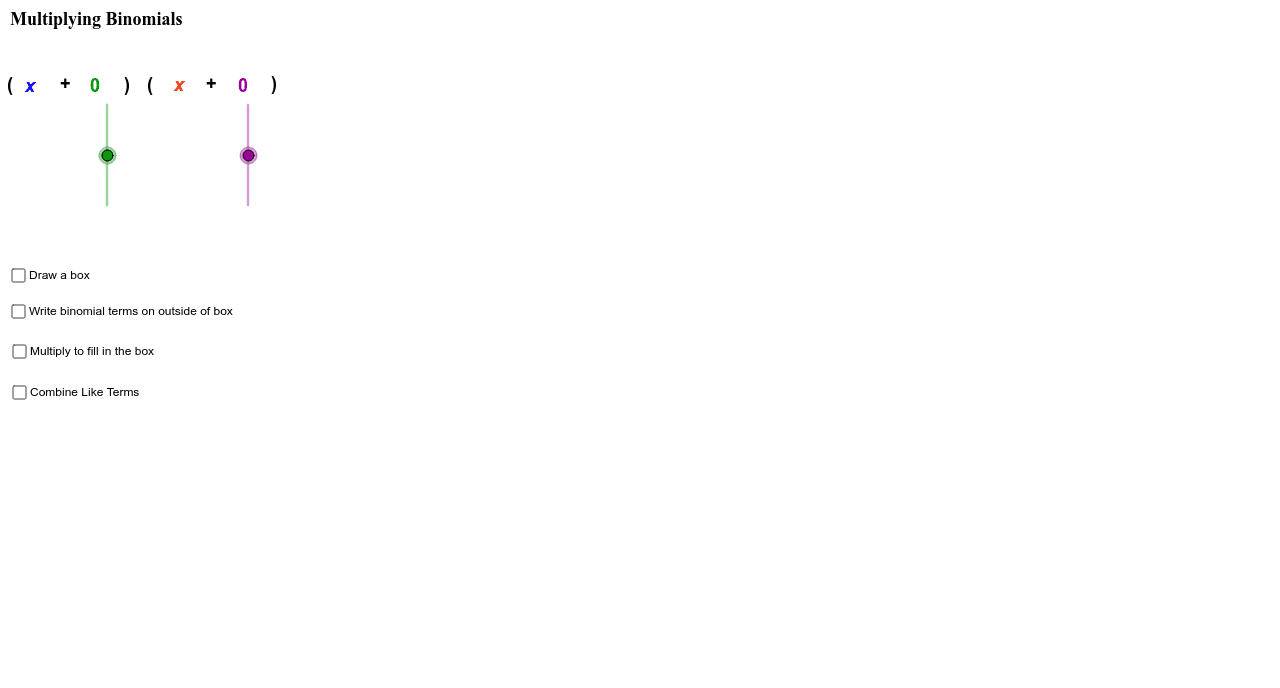
This example demonstrates the geometric meaning of binomial multiplication. It involves the core mathematical concept of polynomial multiplication. Using GeoGebra commands such as Polygon, Midpoint, Segment, etc., the geometric representation of binomials can be constructed. Suitable for students at the junior high school level and above to learn the geometric representation of polynomials.
GeoGebra Commands & Parameters
Polygon(A, B, C, D) → poly1, a, b, c, dMidpoint(A, B) → EMidpoint(B, C) → FMidpoint(C, D) → GMidpoint(D, A) → HSegment(E, G) → eSegment(H, F) → fConic(Q, R, S, T, U) → pConic(C_1, D_1, E_1, F_1, G_1) → rConic(H_1, I_1, J_1, K_1, L_1) → sConic(M_1, N_1, O_1, P_1, Q_1) → tConic(R_1, S_1, T_1, U_1, V_1) → c_1Conic(I, J, K, B_1, W_1) → gConic(Z_1, A_2, B_2, C_2, D_2) → hConic(F_2, G_2, H_2, I_2, E_2) → qPoint(p) → J_2Vector(B_2, K_2) → vVector(G_2, L_2) → wConic(Q, R, S, T, U) → p_2If(n_4 + n_2 < 0, "-", "+") → text16If((n_4 * n_2) < 0, "-", "+") → text17If((n_2 * n_4) < 0, "-", "+") → text49Vector(M_2, N_2) → u