
Bedroom Floor Plan: Rotation and Polygon Construction
Loading the math board and drawing, please wait…
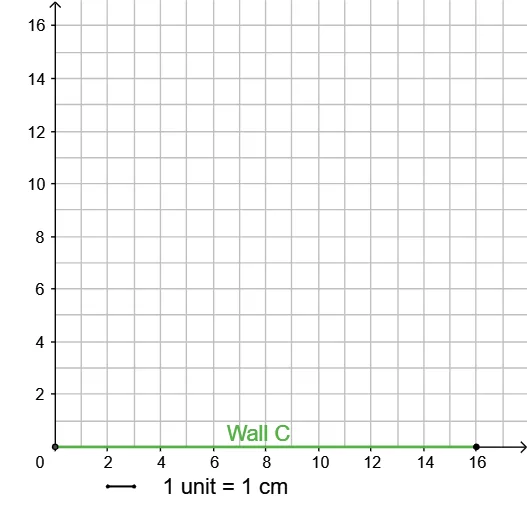
This GeoGebra example demonstrates how to draw a bedroom floor plan layout using geometric construction techniques. The activity involves defining key points, drawing line segments, and finding intersections to create the room outline featuring squares and parallelograms. The core mathematical concept is geometric transformation through rotation, where basic shapes are rotated to form different functional areas of the bedroom. Construction commands used: Intersect, Point, Segment; Key objects: A, B, f, C_1, D_1, g. Suitable for middle school mathematics curriculum on geometric construction and transformations, enabling students to observe how rotation angles affect floor plan layouts and develop spatial visualization skills.
GeoGebra Commands & Parameters
Intersect(xAxis, yAxis) → APoint(xAxis) → BSegment(A, B) → fSegment(C_1, D_1) → g
AI Drawing Prompt Reference
Draw a bedroom floor plan with a square and a parallelogram. The square and parallelogram intersect through rotation to form the room layout. Key points are the intersecting axes and line segments connecting them. Ensure the drawing is clear to show how rotation angles affect the layout.
The prompt above was compiled from the original drawing commands and is for reference only.