
Basic Transformations
Loading the math board and drawing, please wait…
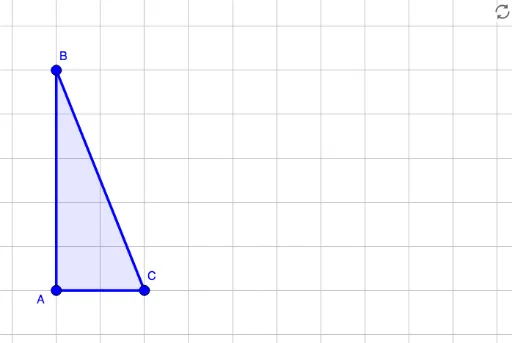
This example demonstrates the use of transformation tools, showing congruence through rotation and translation. Key mathematical concepts include rotation and translation. The Polygon command is used to construct a polygon, with c representing a circle and a and b representing line segments. Suitable for middle school and above students learning geometric transformations.
GeoGebra Commands & Parameters
Polygon(A, B, C) → poly1, c, a, b
AI Drawing Prompt Reference
Draw a triangle and demonstrate two basic geometric transformations: rotation and translation. First, plot three vertices and connect them to form a closed triangle. Then, rotate the entire triangle around one of its vertices by a certain angle, producing a new triangle shown in dashed lines or a different color to indicate congruence after rotation. Next, translate the original triangle along a direction by a certain distance, creating a third triangle also shown in dashed lines or a different color to show congruence after translation. Include a circle and two line segments as auxiliary elements to aid understanding of the geometric properties. The overall layout should clearly highlight the correspondence between the original and transformed figures.
The prompt above was compiled from the original drawing commands and is for reference only.