
Avalanche Simulation
Loading the math board and drawing, please wait…
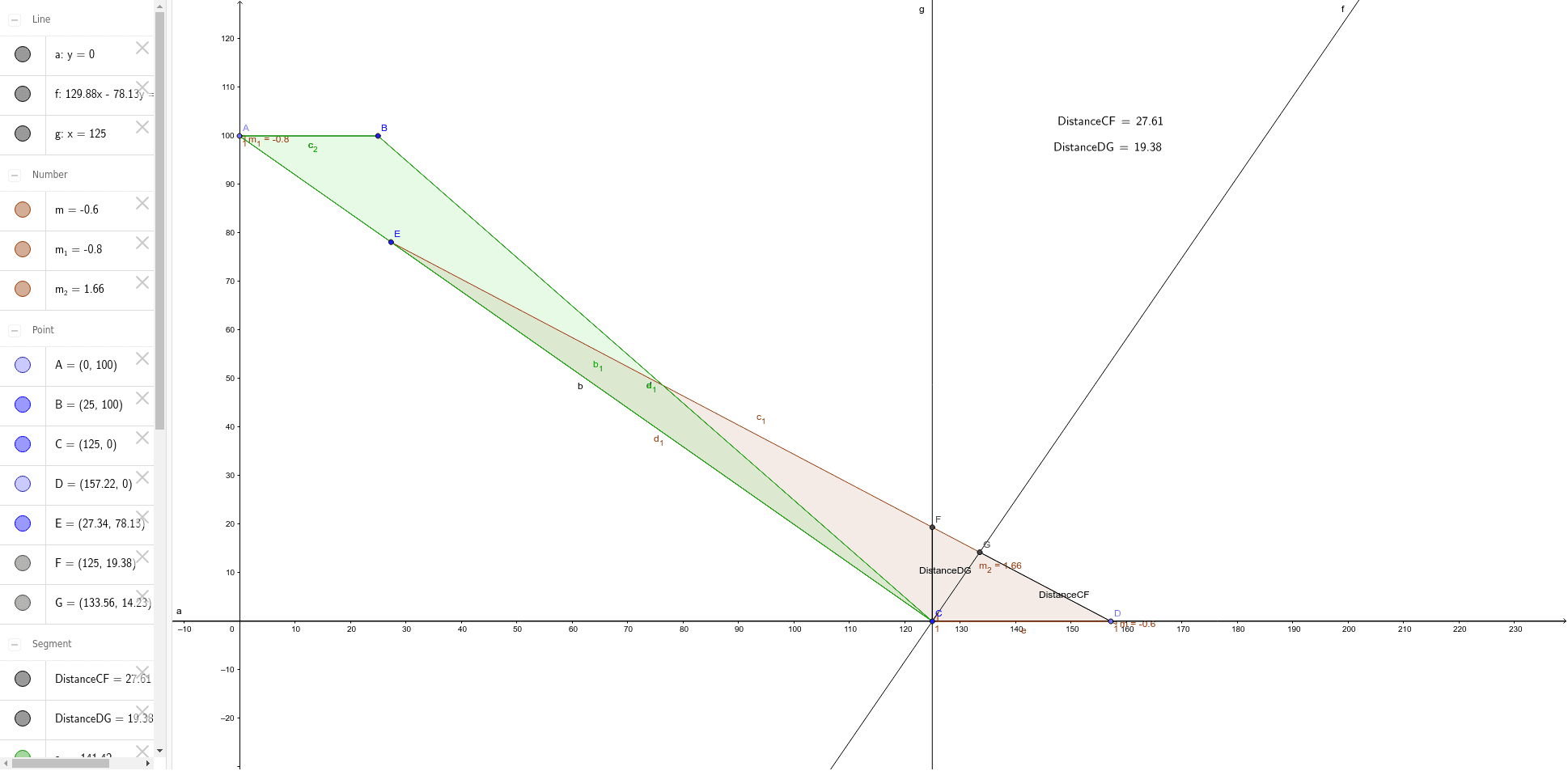
This example simulates an avalanche. Key mathematical concepts include straight lines, division, terms, prism, and addition. Using GeoGebra commands such as Point, Segment, Polygon, etc., a geometric model of the avalanche can be constructed. Suitable for middle school students and teachers.
GeoGebra Commands & Parameters
Point(yAxis) → ASegment(A, C) → bSegment(A, B) → cSegment(B, C) → dPoint(a) → DPolygon(E, C, D) → poly1, d_1, e, c_1Polygon(A, B, C) → poly2, c_2, a_1, b_1OrthogonalLine(C, c_1) → fIntersect(f, c_1) → GOrthogonalLine(C, e) → gIntersect(g, c_1) → FSegment(G, D) → DistanceCFSegment(F, C) → DistanceDGLaTeX(DistanceCF, true, true) → text1LaTeX(DistanceDG, true, true) → text2Slope(c_1) → mSlope(b) → m_1Slope(f) → m_2
AI Drawing Prompt Reference
Draw a geometric model simulating an avalanche. Start by creating point A on the y-axis, then draw line segments b, c, and d from A to points B and C. Use points D and C to create polygons, intersecting with the polygons formed by points A, B, and C. Draw perpendicular lines f and g from point C, intersecting line segment c at points G and F, respectively. Then, connect G to D and F to C. Finally, measure the distances of CF and DG, and calculate the slope of line segment c.
The prompt above was compiled from the original drawing commands and is for reference only.