
Area Under a Curve by lindasunli14
Loading the math board and drawing, please wait…
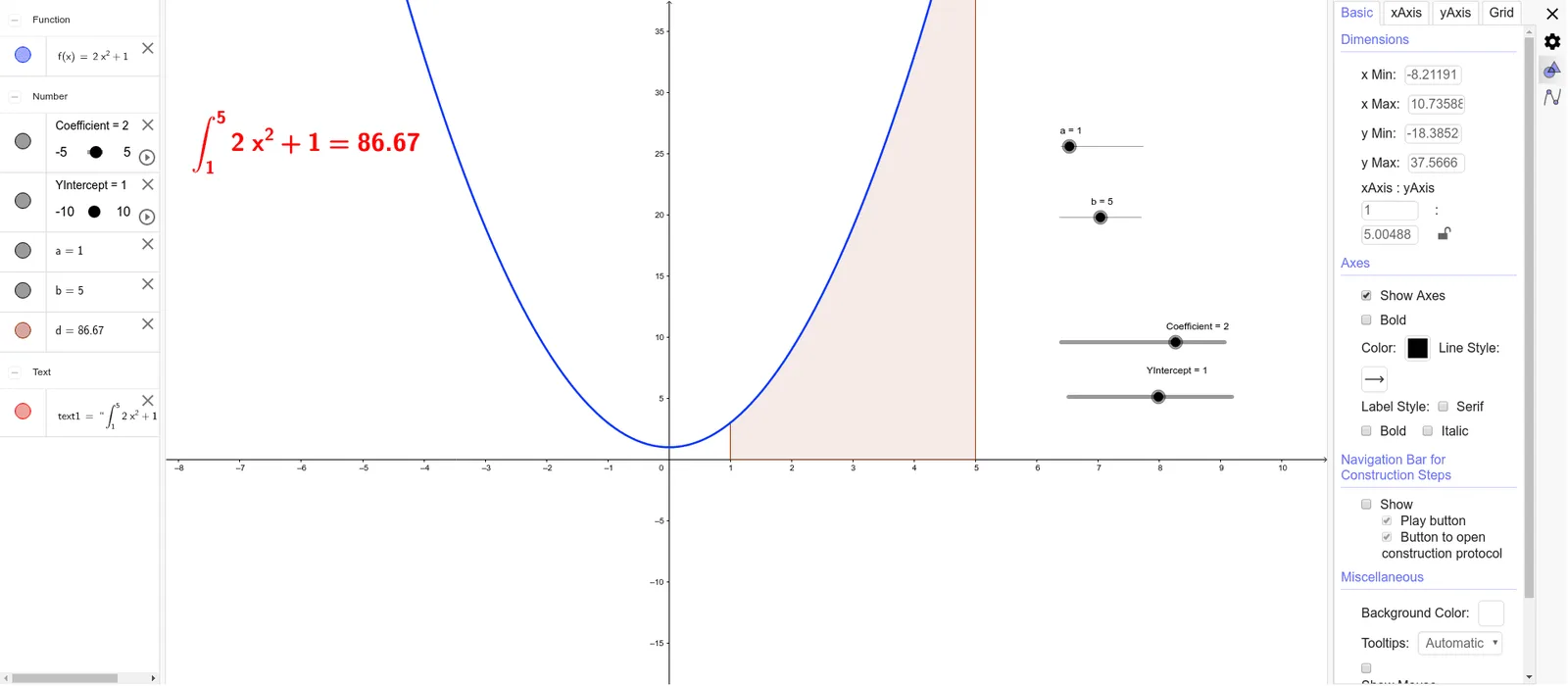
This example demonstrates how to calculate the area under a curve using GeoGebra. The core mathematical concept involved is integration, achieved through the Integral command in GeoGebra. Key construction elements include using objects like Coefficient, YIntercept, a, f, b, d, and text1 to define the function, integration bounds, and display results. Suitable for high school and above students learning about the application of integration in calculus.
GeoGebra Commands & Parameters
Integral(f, a, b) → d
AI Drawing Prompt Reference
Draw a function curve and calculate the area between the curve and the x-axis over a given interval. First plot the function, then mark the lower and upper bounds on the x-axis, shade the region under the curve, and display the computed area value as text. This illustrates the geometric meaning of a definite integral.
The prompt above was compiled from the original drawing commands and is for reference only.