
Area & Perimeter Calculation
Loading the math board and drawing, please wait…
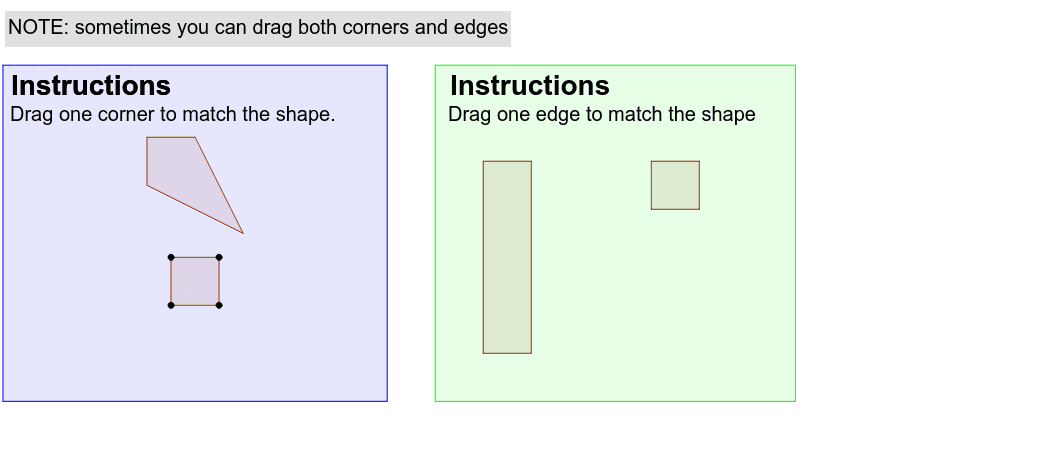
This example demonstrates how to calculate the area and perimeter of polygons using GeoGebra. Key math concepts include polygons, area, perimeter, and geometric construction. It involves commands like Polygon and objects such as Q, R, S, T, poly1, q, r, s, t, text1, text2, text3, A, B, C, D, poly2, a, b, c, d, E, F, G, H, poly3, e, f, g, h, Q_1, R_1, S_1, T_1, poly1_1, q_1, r_1, s_1, t_1. Suitable for middle school students and above learning geometric calculations and GeoGebra operations.
GeoGebra Commands & Parameters
Polygon(Q, R, S, T) → poly1, q, r, s, tPolygon(A, B, C, D) → poly2, a, b, c, dPolygon(E, F, G, H) → poly3, e, f, g, hPolygon(Q_1, R_1, S_1, T_1) → poly1_1, q_1, r_1, s_1, t_1Polygon(Q_2, R_2, S_2, T_2) → poly1_2, q_2, r_2, s_2, t_2Polygon(Q_3, R_3, S_3, T_3) → poly1_3, q_3, r_3, s_3, t_3
AI Drawing Prompt Reference
Draw three quadrilaterals, each formed by four points, colored differently. Calculate and display the area and perimeter of each quadrilateral, labeling them next to the shapes. Show the construction process by connecting each group of four points in sequence to form the quadrilaterals and connecting the lines.
The prompt above was compiled from the original drawing commands and is for reference only.