
Area of Octagon with s=6
Loading the math board and drawing, please wait…
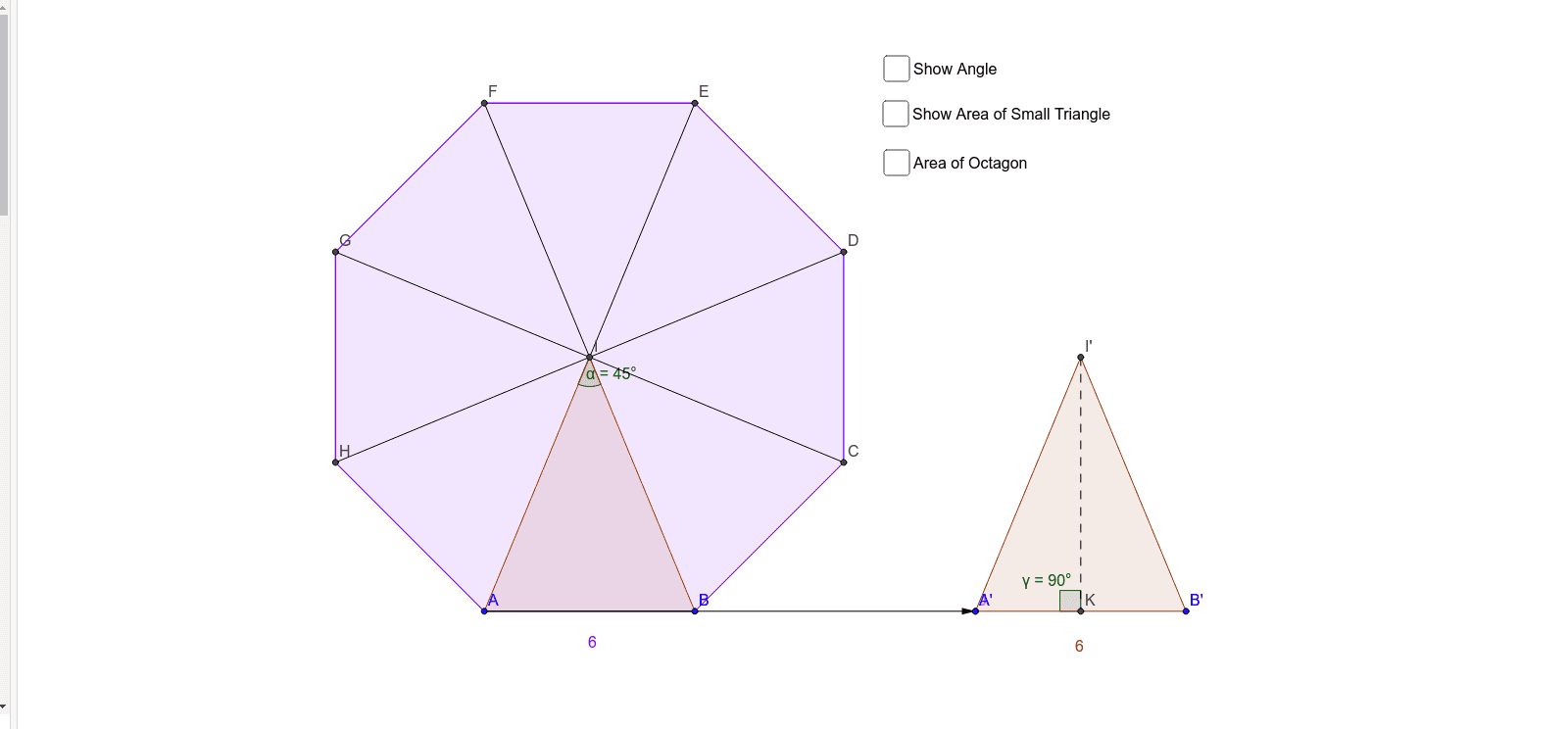
This example demonstrates how to construct and calculate the area of an octagon with side length s=6 using GeoGebra. It involves core mathematical concepts like polygon area calculation, coordinate geometry, and vector operations. Key GeoGebra commands and objects used include Polygon, LineBisector, Intersect, Point, Vector, Translate, Angle, Segment, OrthogonalLine, PointIn. Suitable for high school mathematics teaching or student exploration of geometric properties.
GeoGebra Commands & Parameters
Polygon(A, B, 8) → poly1, a, D, E, F, G, H, b, c, d, e, f, g, h, CLineBisector(e) → iLineBisector(h) → jIntersect(i, j) → IPolygon(A, I, B) → poly2, b_1, a_1, i_1Point(xAxis) → JVector(A, J) → uTranslate(A, u) → A'Translate(I, u) → I'Translate(B, u) → B'Polygon(A', I', B') → poly2', b', a', i'Angle(A, I, B) → αSegment(H, I) → kSegment(I, G) → lSegment(I, F) → mSegment(I, E) → nSegment(I, D) → pSegment(I, C) → qOrthogonalLine(I', i') → rIntersect(r, i') → KSegment(I', K) → sAngle(J, I', K) → βAngle(I', K, J) → γPointIn(poly2') → Pointpoly2'PointIn(poly1) → Pointpoly1_1PointIn(poly1) → Pointpoly1_2PointIn(poly1) → Pointpoly1
AI Drawing Prompt Reference
Draw a regular octagon with side length 6 and calculate its area. First, draw the octagon, then draw the perpendicular bisectors of the diagonals to find the intersection point. Construct a new octagon by translating the vertices, and use the vertices and perpendicular bisectors to form new triangles, calculating the area.
The prompt above was compiled from the original drawing commands and is for reference only.