
Area of a Square: GeoGebra Geometry Construction
Loading the math board and drawing, please wait…
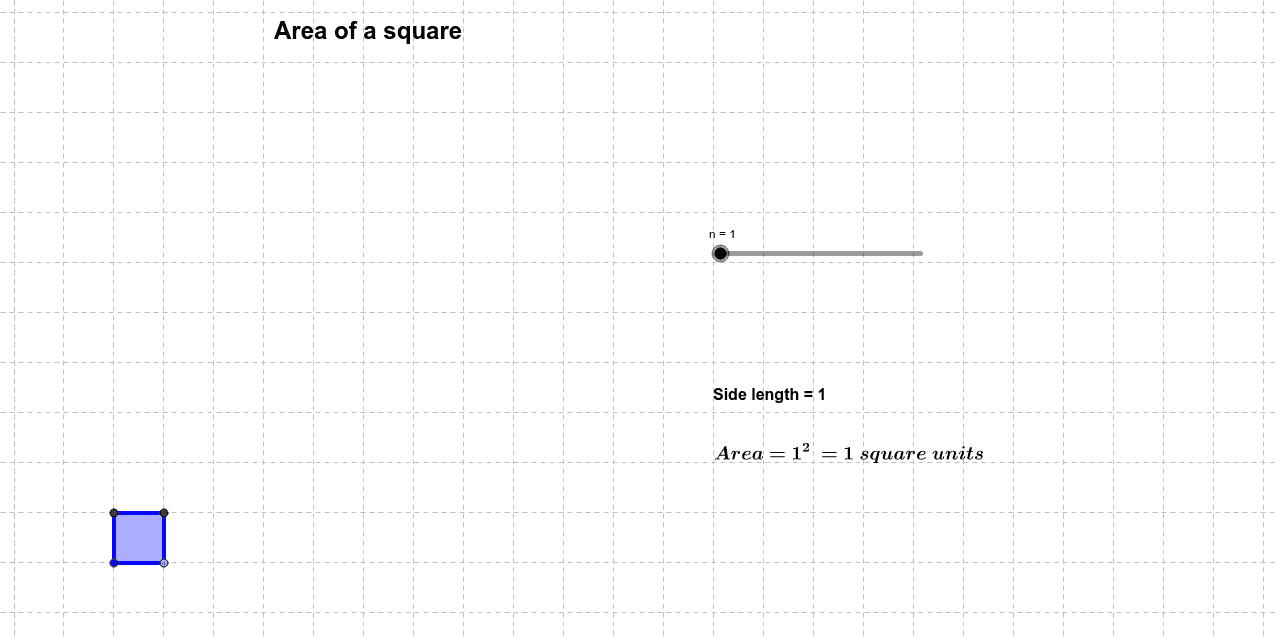
This example demonstrates the calculation of a square's area and its geometric properties. Core concepts involve area formulas, side length definitions, and polygon properties. Construction utilizes GeoGebra commands like Point, Segment, and Polygon to create square poly1 with points A, B, C, D and text labels. Suitable for middle school and above students to intuitively understand plane geometry area concepts, aiding teaching and self-study.
GeoGebra Commands & Parameters
Point(Circle[A, n]) → BSegment(A, B) → aPolygon(A, B, 4) → poly1, b, c, d, e, C, D
AI Drawing Prompt Reference
Start with a point as the center, draw a circle of a specified radius, pick a point on the circle, join the center and that point to form a segment, then construct a square using that segment as one side, mark the four vertices, and display the square's area.
The prompt above was compiled from the original drawing commands and is for reference only.