
Animated Vector & Parallelogram Construction
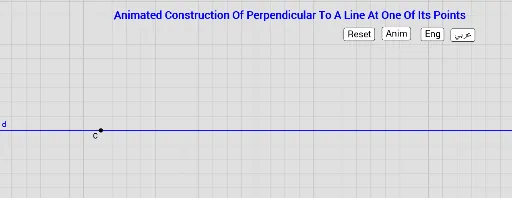
Loading the math board and drawing, please wait…
In collections
Animated Geometric Constructions الإنشاءات الهندسية المُتحر
This example demonstrates the animated construction of a parallelogram using 2D vectors. Key math concepts include vectors, trigonometry, and coordinate geometry. It utilizes commands like Line, Point, Circle, Intersect, Rotate, and Translate in GeoGebra. Suitable for high school mathematics teaching or student exploration of vector-geometry relationships.
GeoGebra Commands & Parameters
Line(A, B) → dPoint(d) → CCircle(C, a) → cCircle(C, b) → eIntersect(c, d) → D, EIntersect(e, d) → F, GCircle(G, D) → fCircle(F, E) → gIntersect(f, g) → H, I, ,Angle(G, C, I) → αRotate(E, (s1 * t), C) → E'Rotate(G, (s2 * t), C) → G'Rotate(E, (s3 * t), F) → E''Rotate(D, (s4 * t), G) → D'CircleArc(C, E, E') → kCircleArc(C, G, G') → pCircleArc(F, E, E'') → qCircleArc(G, D, D') → rTranslate(I, Vector[(s5 * Vector[I + (0, 0.25), H - (0, 0.25)])]) → I'Translate(P, Vector[(s5 * Vector[P, Q])]) → P'Segment(P, P') → h
AI Drawing Prompt Reference
Create an animated construction of a parallelogram using vectors. Start by drawing two vectors, determine a point C, draw two circles around C, find the intersection points D, E and F, G, then construct circular arcs with these points as centers. Finally, use rotation and translation to dynamically show the formation of the parallelogram.
The prompt above was compiled from the original drawing commands and is for reference only.