
Animated Construction of Perpendicular Bisector
Loading the math board and drawing, please wait…
In collections
Animated Geometric Constructions الإنشاءات الهندسية المُتحر
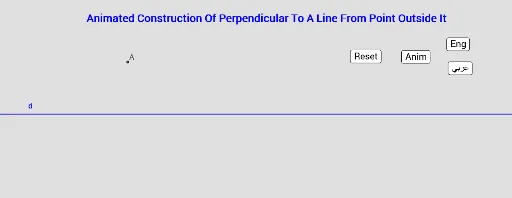
This example demonstrates the animated construction of a perpendicular bisector. Key mathematical concepts include geometric construction and transformation. Using GeoGebra commands such as Line, Point, Circle, Intersect, etc., the formation process of the perpendicular bisector is dynamically shown. Suitable for students at junior high school level and above to learn geometric construction and transformation.
GeoGebra Commands & Parameters
Line(E1, B_1) → dPoint(d) → CCircle(C, M_1) → cIntersect(c, d) → D, ECircle(E, M_1) → eIntersect(e, c) → A, B, ,Segment(M_1, B) → gIntersect(d, g) → FAngle(E, F, M_1) → αRotate(M_1, (cc * t), C) → M'Rotate(M_1, (ee * t), E) → M''CircleArc(E, M_1, M'') → fCircleArc(C, M_1, M') → hTranslate(M_1, Vector[(ll * Vector[M_1, B])]) → M'''Translate(P, Vector[(ll * Vector[P, Q])]) → P'Segment(P, P') → i
AI Drawing Prompt Reference
Draw a horizontal line and mark a point on it as the center of a circle with a given radius. The circle intersects the line at two points. Using one of these intersection points as a new center, draw another circle of the same radius. These two circles intersect at two points. Connect one of these intersection points to the original center with a segment, which meets the line at a point. Mark an angle at this meeting point between the segment and the line. Then, animate the intersection points on the circles to rotate along arcs, showing their paths. Finally, translate the original center along the direction toward the other intersection point, and connect the original and translated points to form a parallel segment. This illustrates the dynamic construction of a perpendicular bisector.
The prompt above was compiled from the original drawing commands and is for reference only.