
Angle Names & Measures
Loading the math board and drawing, please wait…
In collections
Properties of Polygons
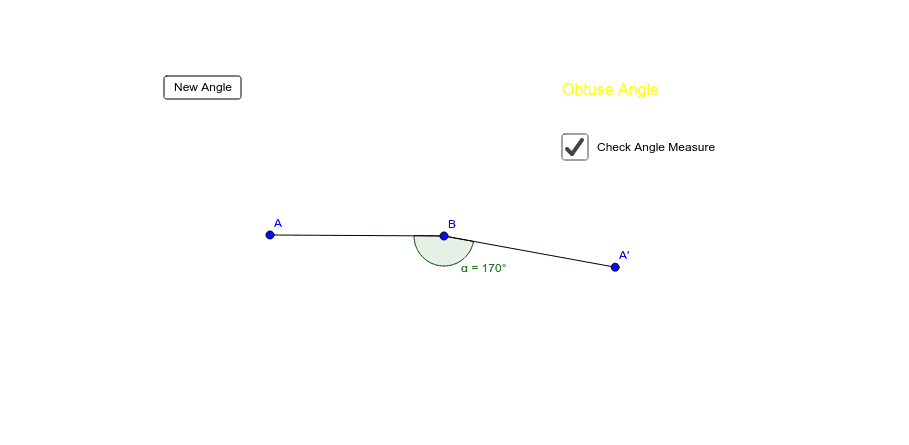
This example demonstrates how to generate and measure randomly created angles of different types. Core math concepts include angle classification (acute, right, obtuse) and angle measurement. It utilizes GeoGebra commands like Random for generation, Rotate for transformations, Angle for measurement, and Segment for line construction. Suitable for middle school and above students learning geometry, focusing on angle recognition and measurement.
GeoGebra Commands & Parameters
Random(1, 18) → qRotate(A, c°, B) → A'Angle(A, B, A') → αSegment(A, B) → aSegment(B, A') → b
AI Drawing Prompt Reference
Draw a randomly generated angle with labeled vertex and sides, measure its angle size, which can be acute, right, or obtuse. Start by drawing two line segments to form the angle, then determine the vertex and rotate one side to create another vertex, finally measure and display the angle value.
The prompt above was compiled from the original drawing commands and is for reference only.