
Angle Formation
Loading the math board and drawing, please wait…
In collections
iShortcut Geometry Vol. 1: Lines & Angles
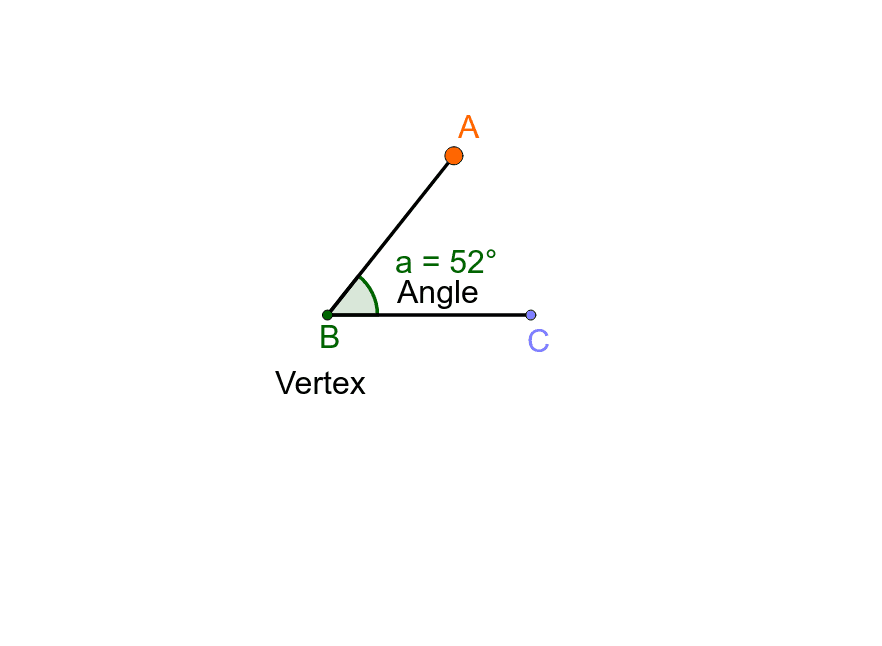
This example demonstrates the formation of an angle when two lines intersect. The point of intersection is called the vertex. Using GeoGebra commands such as Point, Semicircle, Intersect, Angle, and Segment, you can construct an angle. Suitable for middle school and above students to learn geometric construction.
GeoGebra Commands & Parameters
Point(xAxis) → BSemicircle(A, B) → cPoint(c) → CIntersect(xAxis, yAxis) → DAngle(B, D, C) → aSegment(D, C) → a_1Segment(D, B) → b
AI Drawing Prompt Reference
Draw two intersecting lines to form an angle, with the intersection point as the vertex. Use a semicircle connecting the vertex to a point on one line, and connect the vertex to a point on the other line to show the angle formation.
The prompt above was compiled from the original drawing commands and is for reference only.