
Angle Bisector Construction by Jason Wofsey
Loading the math board and drawing, please wait…
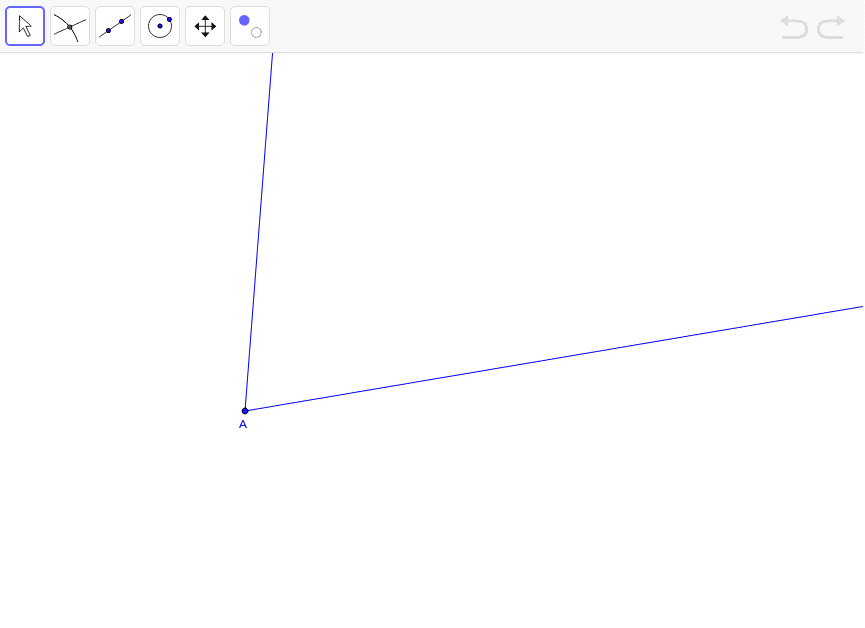
This example demonstrates how to construct an angle bisector using GeoGebra, involving core math concepts like angles, rays, points, and the definition of an angle bisector. Key GeoGebra commands/objects used include Rotate, Angle, Ray, Point, and AngularBisector, as outlined in the construction summary. It is suitable for middle school and above students for understanding and practicing geometric constructions.
GeoGebra Commands & Parameters
Rotate(B, α, A) → B'Angle(B, A, B') → βRay(A, B') → bRay(A, B) → dPoint(d) → CAngularBisector(B, A, B') → target1Point(target1) → DRay(A, D) → target2
AI Drawing Prompt Reference
Construct an angle bisector. First, rotate point B around point A by angle α to get point B'. Then, measure the angle BAB' to get β. Next, draw a ray b from A to B', and a ray d from A to B. Take a point C on ray d. Then, draw the angle bisector of angle BAB' to get point D on the bisector. Finally, draw a ray from A to D.
The prompt above was compiled from the original drawing commands and is for reference only.