
Altitudes and the Orthocenter
Loading the math board and drawing, please wait…
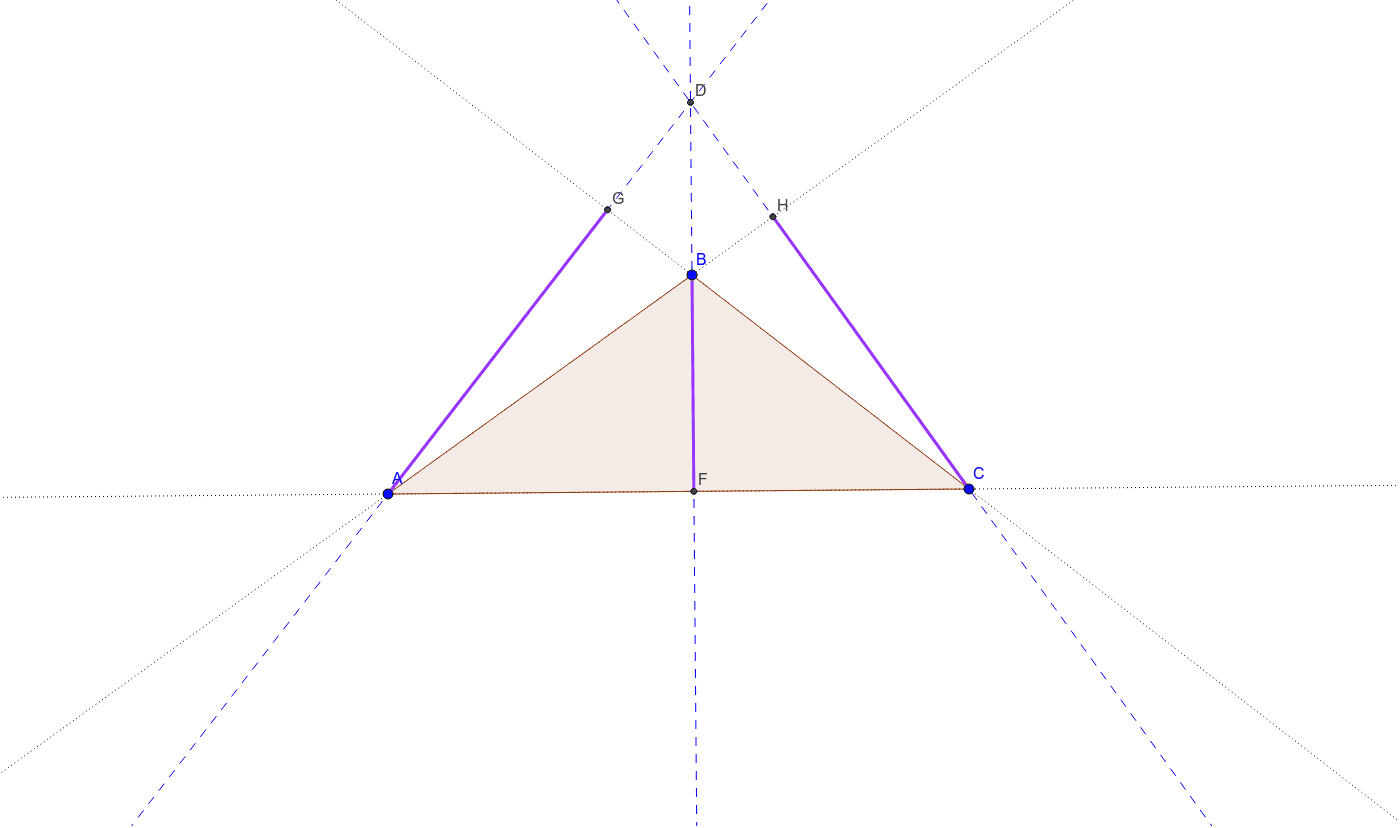
This GeoGebra example demonstrates the geometric properties of altitudes in a triangle and the concept of the orthocenter, which is the intersection point of the altitudes. The core mathematical concepts involved include triangle geometry, altitudes, orthocenter, and orthogonal line construction. In terms of construction, the example uses the Polygon command to create triangle ABC, followed by Line and OrthogonalLine commands to draw the altitudes from each vertex to the opposite side. The Intersect command is employed to find the orthocenter, and Segment commands are used to highlight relevant line segments. Objects include vertices A, B, C, polygon poly1, various lines and points such as a, b, c, d, e, f, g, h, i, and D, E, F, G, H, j, k, l. This example is ideal for high school geometry classes or introductory college-level geometry courses, providing a visual and interactive way to understand the orthocenter and its properties.
GeoGebra Commands & Parameters
Polygon(A, B, C) → poly1, c, a, bLine(C, B) → dLine(A, B) → eLine(C, A) → fOrthogonalLine(A, d) → gOrthogonalLine(B, b) → hOrthogonalLine(C, c) → iIntersect(h, g) → DIntersect(f, b) → EIntersect(h, f) → FIntersect(d, g) → GIntersect(i, e) → HSegment(A, G) → jSegment(F, B) → kSegment(C, H) → l
AI Drawing Prompt Reference
Draw a triangle ABC, then construct perpendiculars from each vertex to the opposite side. Find the intersection of these perpendiculars, which is the orthocenter of the triangle. Use the polygon command to draw the triangle, then use line and perpendicular line commands to draw the altitudes, and finally use the intersect command to find the orthocenter and highlight relevant segments with line segment commands.
The prompt above was compiled from the original drawing commands and is for reference only.