
Adjustable Brightness Color Mixing
Loading the math board and drawing, please wait…
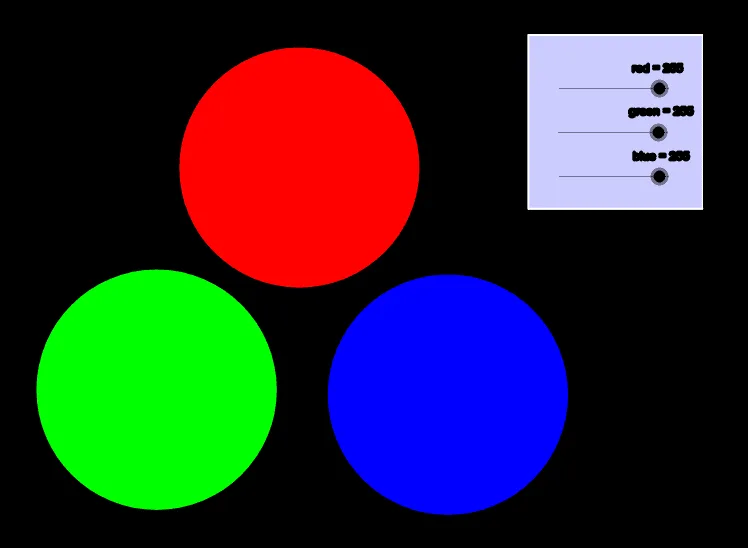
① This example demonstrates additive color mixing by allowing users to adjust the brightness of red, green, and blue light sources, showing how overlapping colored regions produce new colors. ② Core mathematical concepts include set theory (intersection and union of color regions), parametric curves (color components varying with sliders), and functional relationships between brightness and output color. ③ Construction uses GeoGebra commands such as Circle, Polygon, Intersect, Segment, and Point to create three circular regions representing light sources, with sliders controlling transparency or fill color; Intersect computes overlapping areas, and objects include points A, B, C, D, E, F, H, I, J, K, L, M, N, O, P, Q, R, S, T and polygon poly1. ④ Suitable for middle school or high school mathematics/IT lessons on set operations, functions, and parametric changes, as well as interdisciplinary art-math projects to visualize color models and set relationships.
GeoGebra Commands & Parameters
Circle(A, B_1) → cCircle(C, D) → dCircle(F, H) → ePolygon(B, G, 4) → poly1, b, g, f, h, I, MIntersect(h, f) → NIntersect(f, g) → OSegment(N, O) → aIntersect(g, b) → PSegment(O, P) → iIntersect(h, b) → QSegment(P, Q) → jSegment(Q, N) → kPoint(c) → RPoint(c) → SPoint(c) → TCircle(R, S, T) → pPoint(e) → UPoint(e) → VPoint(e) → WCircle(U, V, W) → qPoint(d) → ZPoint(d) → A_1Point(d) → C_1Circle(Z, A_1, C_1) → r
AI Drawing Prompt Reference
Create a diagram showing additive color mixing with three overlapping circular regions representing red, green, and blue light sources. Use sliders to adjust their brightness and observe how overlapping areas create new colors. Draw three circles first, then add hexagons to represent the light sources, compute intersection points and connecting lines, and finally use semi-transparent overlapping circles to visualize the color blending effect.
The prompt above was compiled from the original drawing commands and is for reference only.