
Addition Slider: Vector Translation and Rectangle Area
Loading the math board and drawing, please wait…
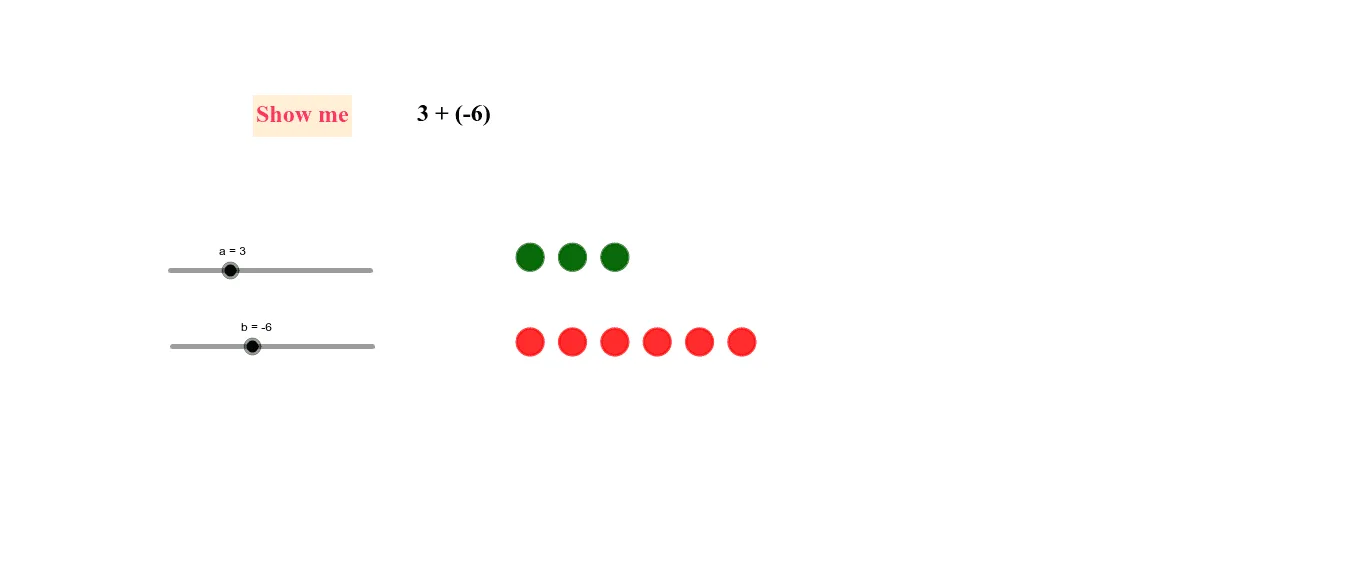
① This example uses sliders to dynamically demonstrate the addition of two numbers, visualizing the result through vector translation and rectangle areas. ② Core mathematical concepts include addition, arithmetic mean, vector translation, rectangle area, and the geometric meaning of a secant line, tightly linking algebraic operations with geometric representations. ③ Construction highlights: GeoGebra commands such as Vector, Translate, and If are used; objects include multiple points (A1 to A10, B1 to B10), vector u, translated points (A1' etc.), and text labels (text1, text2, text3), with sliders adjusting parameters a, b, and c. ④ Suitable for upper elementary to middle school students to grasp addition with geometric intuition, also useful for teachers demonstrating the integration of numbers and shapes, or as a teaching case for geometric construction and slider animation.
GeoGebra Commands & Parameters
Vector(A, B) → uTranslate(A1, u) → A1'Translate(A2, u) → A2'Translate(A3, u) → A3'Translate(A4, u) → A4'Translate(A5, u) → A5'Translate(A6, u) → A6'Translate(A7, u) → A7'Translate(A8, u) → A8'Translate(A9, u) → A9'Translate(A10, u) → A10'Translate(A, u) → A'If(b < 0, (("(" * b) * ")"), ("" * b)) → text2
AI Drawing Prompt Reference
Visualize the addition of two numbers using sliders, demonstrating the result through vector translation and rectangle areas. Include core concepts like addition, arithmetic mean, vector translation, rectangle area, and the geometric meaning of a secant line. Draw multiple points, perform vector translations, and label relevant values, with sliders adjusting parameters a, b, and c.
The prompt above was compiled from the original drawing commands and is for reference only.