
A way to think about measuring the area of a trapezoid
Loading the math board and drawing, please wait…
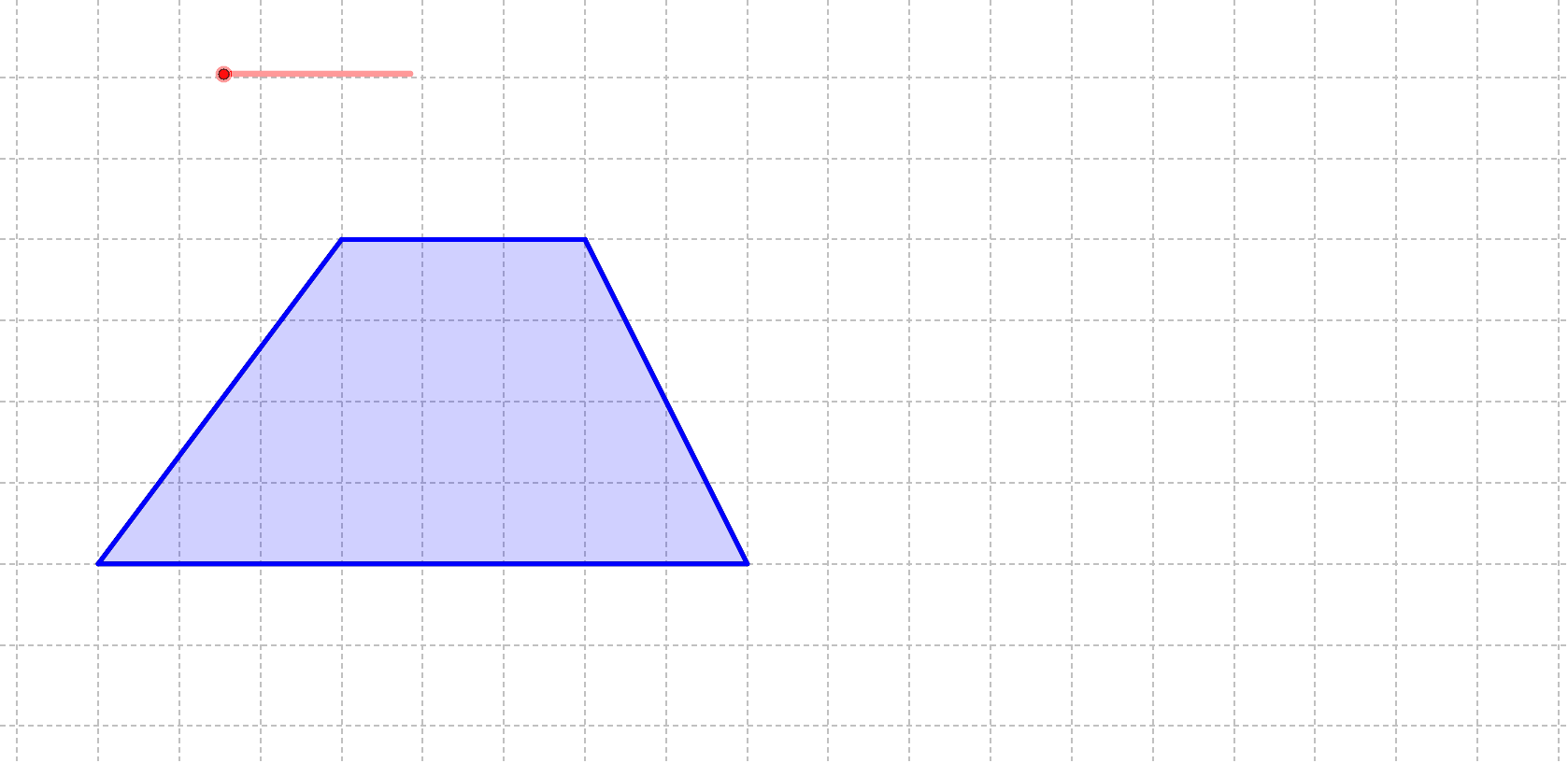
This example demonstrates how to think about measuring the area of a trapezoid through geometric construction. Key mathematical concepts include trapezoid, polygon, and coordinate geometry. Using GeoGebra commands such as Segment, Polygon, Midpoint, and Rotate, the trapezoid is constructed and its area is explored. Suitable for middle school and above students or teachers.
GeoGebra Commands & Parameters
Segment(A, B) → aSegment(B, D) → bSegment(D, C) → cSegment(C, A) → dPolygon(A, B, D, C) → poly1, a_1, b_1, d_1, c_1Midpoint(b) → ERotate(A, (-(e°)), E) → A'Rotate(B, (-(e°)), E) → B'Rotate(D, (-(e°)), E) → D'Rotate(C, (-(e°)), E) → C'Polygon(A', B', D', C') → poly1', a', b', d', c'
AI Drawing Prompt Reference
Draw a trapezoid ABCD with AB and CD as parallel bases and AD and BC as the legs. Construct the midpoint E and rotate the trapezoid -45 degrees around E to form a new trapezoid A'B'C'D'. Explore the area of trapezoid ABCD.
The prompt above was compiled from the original drawing commands and is for reference only.