
3D Surface with Stochastic Process and Interactive Parameters
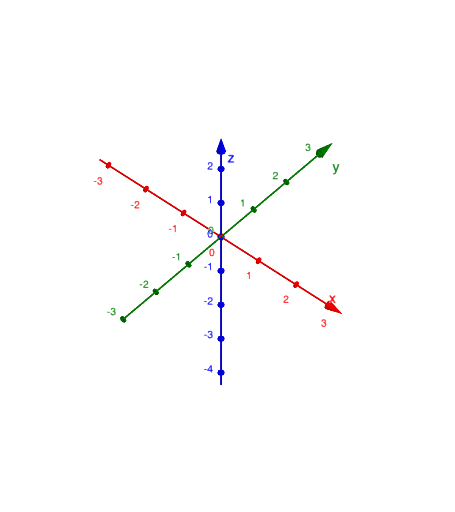
Loading the math board and drawing, please wait…
① This GeoGebra example demonstrates a 3D surface whose shape is dynamically controlled by parameters related to a stochastic process, allowing users to visualize how random variations affect the surface in three-dimensional space. ② Core mathematical concepts include stochastic processes (e.g., random walks), standard deviation as a measure of variability, secant lines for approximating rates of change, and the trapezoid rule for numerical integration, along with multiplication and parametric equations. ③ Construction details: The surface is built using the IntersectPath command to create intersection curves with planes, and Textfield objects provide interactive input for parameters. Key objects include t, b, a, d (parameters), Eq (equation), s, r, c, e, f, g, h, i, j (geometric elements), text1 for labels, and k, l likely as sliders or auxiliary curves. ④ Suitable for high school to university levels, this example is ideal for teaching probability and statistics, calculus, or 3D geometry, helping learners grasp how standard deviation influences surface geometry, and how secant lines and trapezoidal approximations apply in numerical analysis.
GeoGebra Commands & Parameters
IntersectPath(b, a) → dTextfield(a) → EqIntersectPath(c, a) → fIntersectPath(e, a) → h
AI Drawing Prompt Reference
Create a 3D surface whose shape is dynamically controlled by stochastic process parameters, showing how random variations affect the surface in 3D space. Construct the surface using parameters, input values via text fields, create intersection curves with planes using an intersect path command, and adjust parameters with sliders to visualize the influence of standard deviation on surface geometry and numerical integration.
The prompt above was compiled from the original drawing commands and is for reference only.