
Interactive 3D Surface Demo
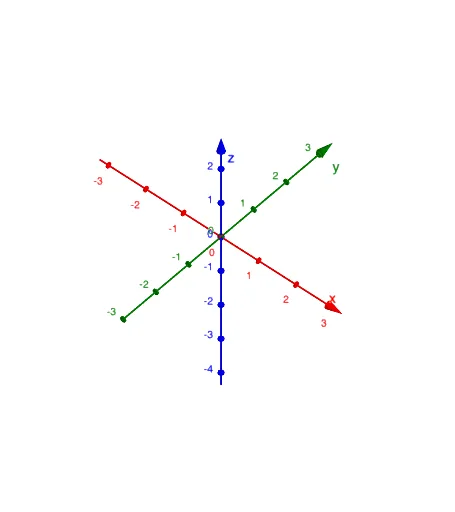
Loading the math board and drawing, please wait…
In collections
Exploring 3D Surface
This example demonstrates the geometric shape and variation of 3D surfaces interactively. It involves core math concepts like 3D space, function graphs, parametric equations, and vector operations. Construction highlights include using commands like IntersectPath (path intersection) and Textfield (text field) for dynamic path creation and parameter control. Suitable for high school students and math enthusiasts studying spatial geometry and function visualization.
GeoGebra Commands & Parameters
IntersectPath(b, a) → dTextfield(a) → EqIntersectPath(c, a) → fIntersectPath(e, a) → h
AI Drawing Prompt Reference
Create an interactive 3D surface demo showing the geometric shape and variation of function graphs in 3D space, covering core math concepts. Begin by constructing a 3D environment, then plot several function graphs and use parametric equations and vector operations to visualize surface variations. Demonstrate dynamic path creation and parameter control using path intersections and text fields, suitable for high school students and math enthusiasts studying spatial geometry and function visualization.
The prompt above was compiled from the original drawing commands and is for reference only.