
3D Point, Vector, and Plane
Loading the math board and drawing, please wait…
In collections
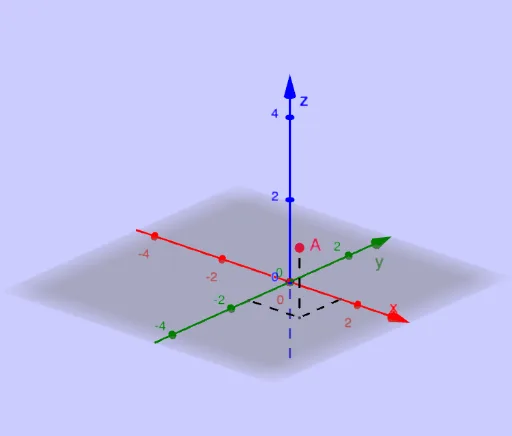
Exploring points, vectors and planes in 3D
This example demonstrates points, vectors, and planes in three-dimensional space. Key mathematical concepts include vectors and coordinate geometry. Using GeoGebra commands such as Segment, Vector, and Translate, you can construct points, vectors, and planes in 3D space. Suitable for high school and above students learning 3D geometry.
GeoGebra Commands & Parameters
Segment(X, P) → fSegment(Y, P) → gSegment(A, P) → hVector(O, N) → n_1Translate(A, n_1) → A'Vector(A, A') → nOrthogonalPlane(A, n) → pPointIn(p) → BPointIn(p) → CVector(A, B) → uVector(A, C) → vAngle(n, v) → tAngle(n, u) → k
AI Drawing Prompt Reference
Draw a point, a vector, and a plane in 3D space to demonstrate key concepts of vectors and coordinate geometry. Start by creating two line segments connecting to the origin, then form a vector and translate a point from the origin along this vector. Next, use this point and vector to draw an orthogonal plane, mark two points on the plane, and then draw two vectors from these points. Finally, calculate the angles between these vectors and the original vector to illustrate geometric relationships in space.
The prompt above was compiled from the original drawing commands and is for reference only.