
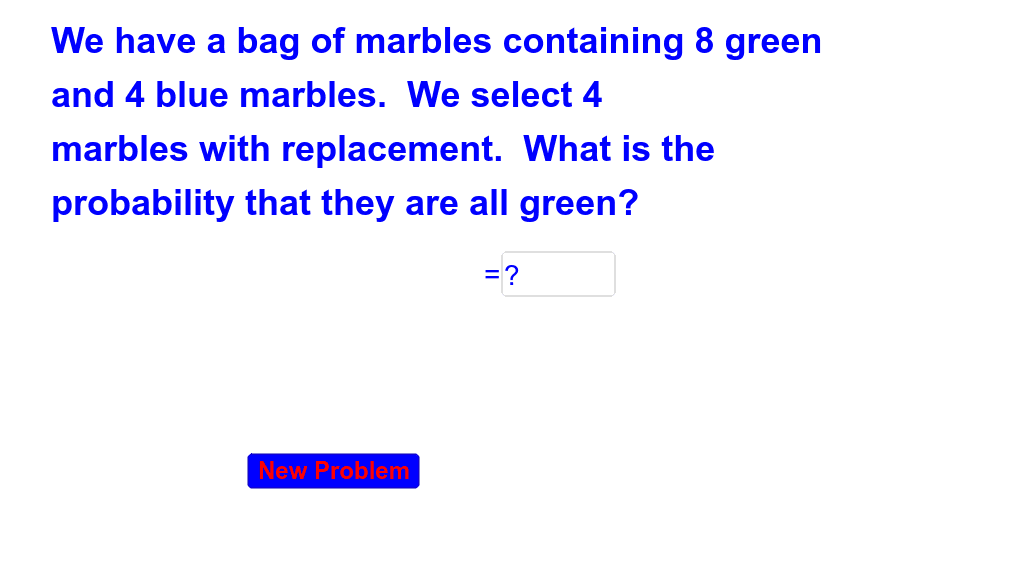
有放回与无放回概率演示
几何画板及绘图内容加载中,请稍等……
所属专题
Probability Review
①本范例演示了有放回与无放回抽样在概率统计中的区别与计算;②涉及核心数学概念包括概率统计、组合数学、随机事件;③构造要点:使用了Random, Element, Textfield, RandomElement, If等GeoGebra命令与对象,用于生成随机数、显示文本、控制逻辑流程;④适合高中及以上学生学习概率统计,也可用于大学基础教学。
GeoGebra 命令及参数
Random(1, 2) → ptypeRandom(2, 4) → cRandom(4, 10) → bRandom(4, 10) → aElement({(a / (a + b))^(c), nPr[a, c] / nPr[a + b, c]}, ptype) → cansTextfield(ans) → inputBox1RandomElement({"Not Quite", "Try Again"}) → eresIf(ans ≟ cans, true, false) → acorRandomElement({"Good Job", "Great!", "Way to Go!", "Awesome"}) → text5Element(oplist, ptype) → op