
向量投影 by Tim Brzezinski
几何画板及绘图内容加载中,请稍等……
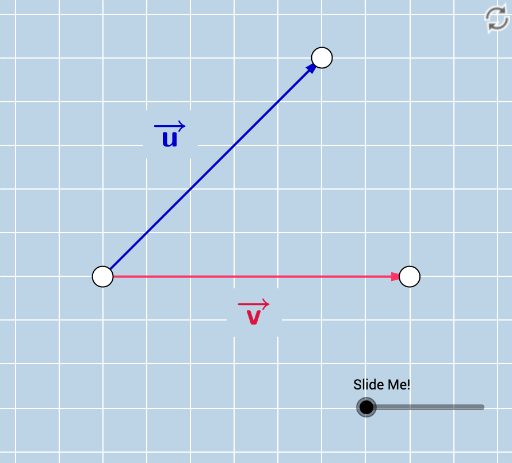
本范例演示如何将一个向量投影到另一个向量上。核心数学概念包括向量的投影和角度。通过使用GeoGebra命令如Vector、Line、Intersect等,可以直观地展示向量投影的过程。适合高中数学教学和学习。
GeoGebra 命令及参数
Vector(A, B) → vLine(A, B) → fPoint(f) → CPoint(f) → DVector(A, E) → uOrthogonalLine(E, f) → gIntersect(f, g) → FVector(A, F) → wVector(F, E) → bAngle(E, F, A) → αRay(A, D) → hRay(B, C) → iLine(A, g) → jLine(B, g) → kCircle(A, 1 / 2) → dCircle(B, 1 / 2) → eIntersect(d, j, 1) → GIntersect(e, k, 1) → HDilate(G, If[0 < c ≤ 1, 1 - c, 0], H) → G'Dilate(A, If[0 < c ≤ 1, 1 - c, 0], F) → A'Vector(A, A') → mSegment(F, E) → nDistance(A, E) → distanceAEDistance(A, B) → distanceABDistance(G, G') → distanceGG'Intersect(e, k, 1) → IIntersect(e, k) → J, KIntersect(d, j) → L, MDilate(M, If[0 < c ≤ 1, 1 - c, 0], K) → M'Distance(M, K) → distanceMKAngle(E, A, B) → βPoint(f) → NRay(F, N) → lDistance(A, A') → distanceAA'SurdText(p) → text3Distance(O, P) → distanceOPSurdText(xx) → text6SurdText(yy) → text7