
空间几何截面可视化
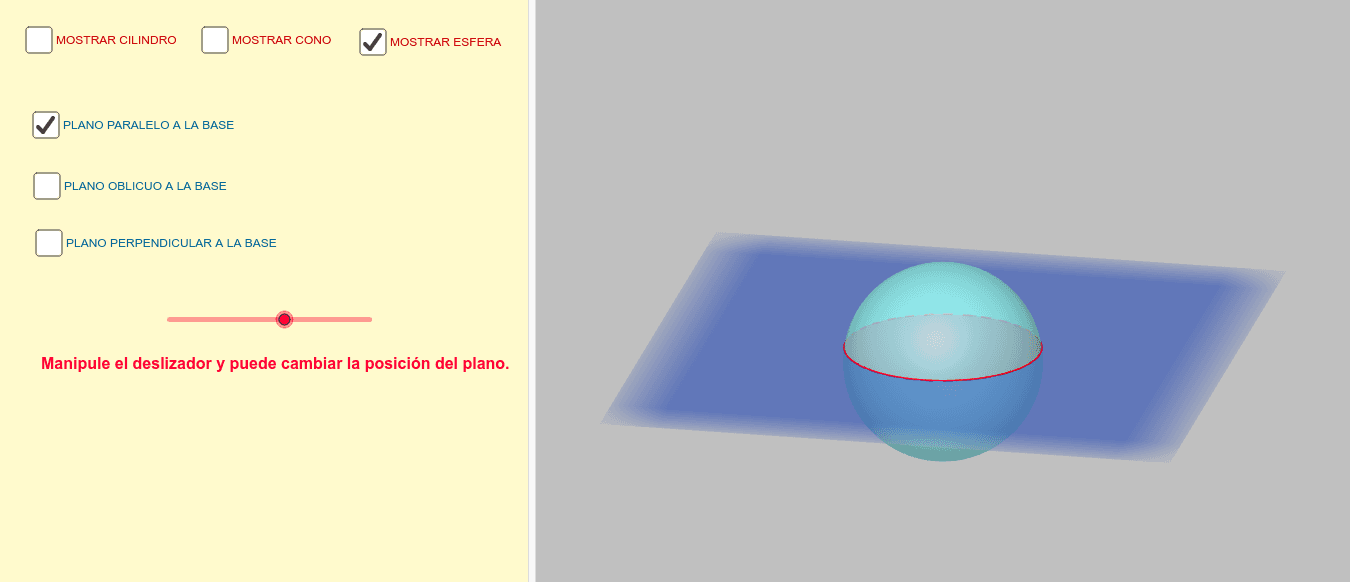
几何画板及绘图内容加载中,请稍等……
①本范例演示了如何通过平面截取球体、圆锥和圆柱,展示其截面形状;②涉及的核心数学概念包括立体几何、截面几何、体积计算;③作图要点——使用了Circle(圆)、Cylinder(圆柱)、Cone(圆锥)、Sphere(球体)、OrthogonalPlane(正交平面)、IntersectPath(路径相交)、Corner(角落)、Point(点)、Rotate(旋转)、Plane(平面)等GeoGebra命令/对象;④适合高中及以上学生学习和理解空间几何体及其截面特性。
GeoGebra 命令及参数
Circle(zAxis, A) → cCylinder(c, 4) → a, d, bCircle(zAxis, A) → fCone(f, 4) → g, h, iSphere((0, 0, 0), 2) → kOrthogonalPlane(B, zAxis) → nIntersectPath(n, a) → pIntersectPath(n, g) → qIntersectPath(n, k) → rOrthogonalPlane(C, yAxis) → sIntersectPath(s, a) → c_1Corner(c_1) → D, E, F, GIntersectPath(s, g) → d_1Corner(d_1) → H, I, J, KIntersectPath(s, k) → e_1Point(zAxis) → LRotate(M, 90°, zAxis) → M'Plane(M', M, L) → vIntersectPath(v, a) → f_1Corner(f_1) → N, O, P, QIntersectPath(v, g) → g_1Corner(g_1) → R, S, T, UIntersectPath(v, k) → h_1