
在数轴上定位分数 by Cristina Masotta
几何画板及绘图内容加载中,请稍等……
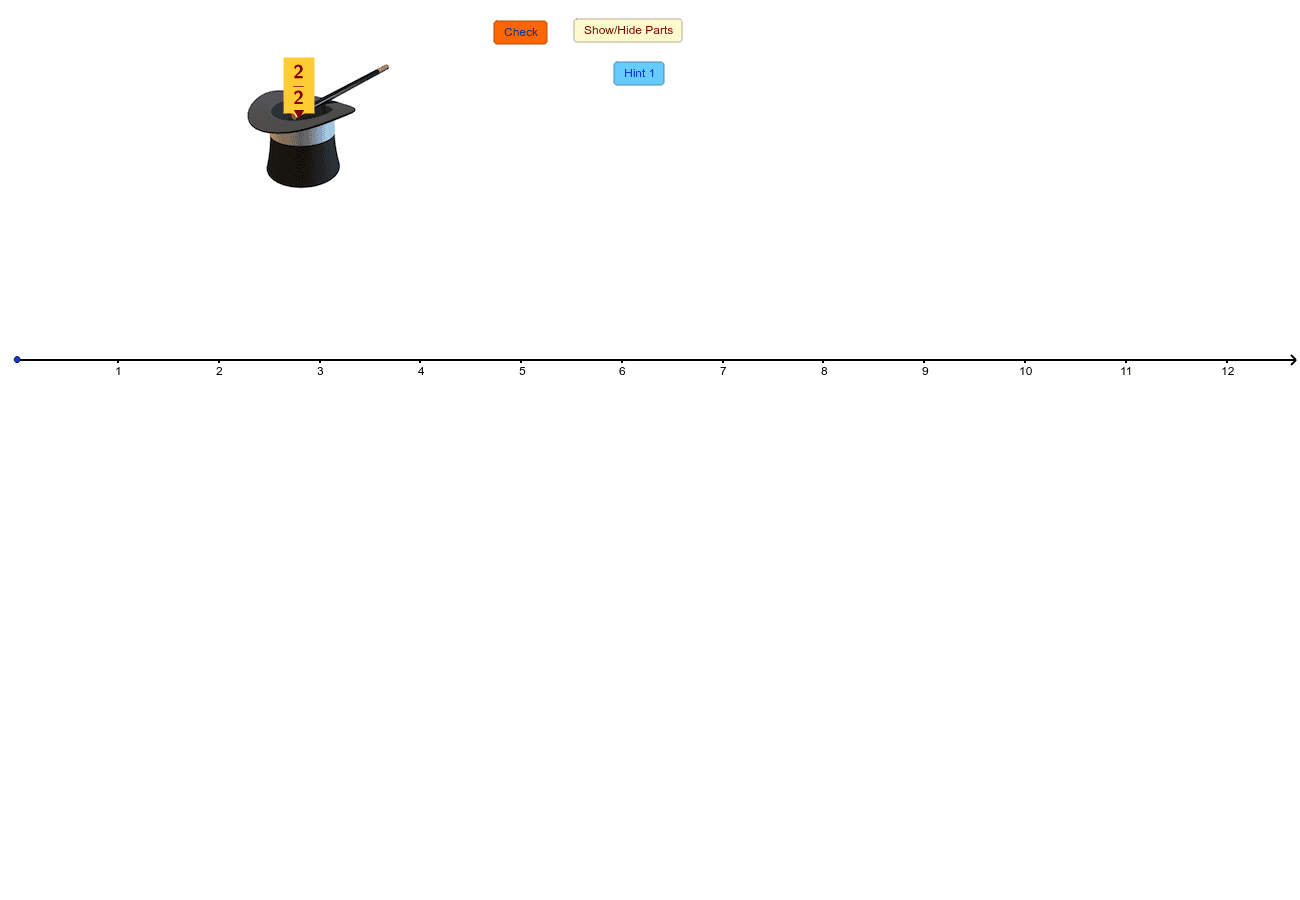
①本范例演示如何在数轴上准确标示分数的位置;②涉及的核心数学概念包括数轴、分数表示、绝对值运算;③作图要点:运用了Vector(向量)、Random(随机数)、Mod(模运算)、If(条件判断)、Polygon(多边形)、Sequence(数列)、Zip(组合)、Append(追加)、Element(元素)、Segment(线段)、Corner(顶点)、Midpoint(中点)等GeoGebra命令与对象;④适合初中及以上数学学习者,用于理解分数与数轴的关系,强化数形结合能力。
GeoGebra 命令及参数
Vector((0, 0), (1, 0)) → uRandom(1, 6) → dRandom(1, 6) → nMod(n, d) → remainderIf(remainder ≟ 0, whole, whole + 1) → endNumberPolygon(A, B, 4) → poly1, a, b, c, e, C, DSequence(B + i * u, i, 0, whole) → SecondLowSequence(A + i * u, i, 0, whole) → FirstLowZip(Polygon[X, Y, 4], X, FirstLow, Y, SecondLow) → list1Sequence(Point[A, Vector[i * u / d]], i, 1, n) → PtBottomSequence(Point[D, Vector[i * u / d]], i, 1, n) → PtTopAppend(D, Take[PtTop, 1, n - 1]) → PtTop1Append(A, Take[PtBottom, 1, n - 1]) → PtBottom1Zip(Polygon[E, F, G, H], E, PtBottom1, F, PtBottom, G, PtTop, H, PtTop1) → list2Polygon(C, B, 4) → poly2, f, g, h, i, E, FPolygon(F, E, 4) → poly3, j, k, l, m, G, HPolygon(H, G, 4) → poly4, p, q, r, s, I, JPolygon(J, I, 4) → poly5, t, a_1, b_1, c_1, K, LPolygon(L, K, 4) → poly6, d_1, e_1, f_1, g_1, M, NSequence(Point[OO, Vector[i * u / d]], i, 1, 10 * d) → list3Element(list3, n) → ZZip(Segment[M, N], M, list3, N, PtBottom) → list4Segment(A, OO) → h_1Sequence(Point[D, Vector[i * u / d]], i, 1, d * endNumber) → allTopSequence(Point[A, Vector[i * u / d]], i, 1, d * endNumber) → allBottZip(Segment[M, N], M, allTop, N, allBott) → list5Corner(text3, 2) → BBCorner(text3, 3) → CCCorner(text3, 4) → DDCorner(text3, 1) → AAPolygon(AA, BB, CC, DD) → frame, aa, bb, cc, ddMidpoint(AA, BB) → MM
AI 绘图提示语参考
在一条水平线上绘制一个数轴,标出从0到某个随机整数的整数点,并在数轴上用不同颜色标示出这些整数点之间的分数位置,通过多个四边形和线条组合形成数轴的刻度,最后用文字框标注关键点,展示分数与数轴的关系。
以上提示语为根据原始绘图命令整理而来,仅供参考。